Analyze
Identify anomalies early, track trends hourly at the resource
level, and surface insights with heatmaps and utilization metrics.

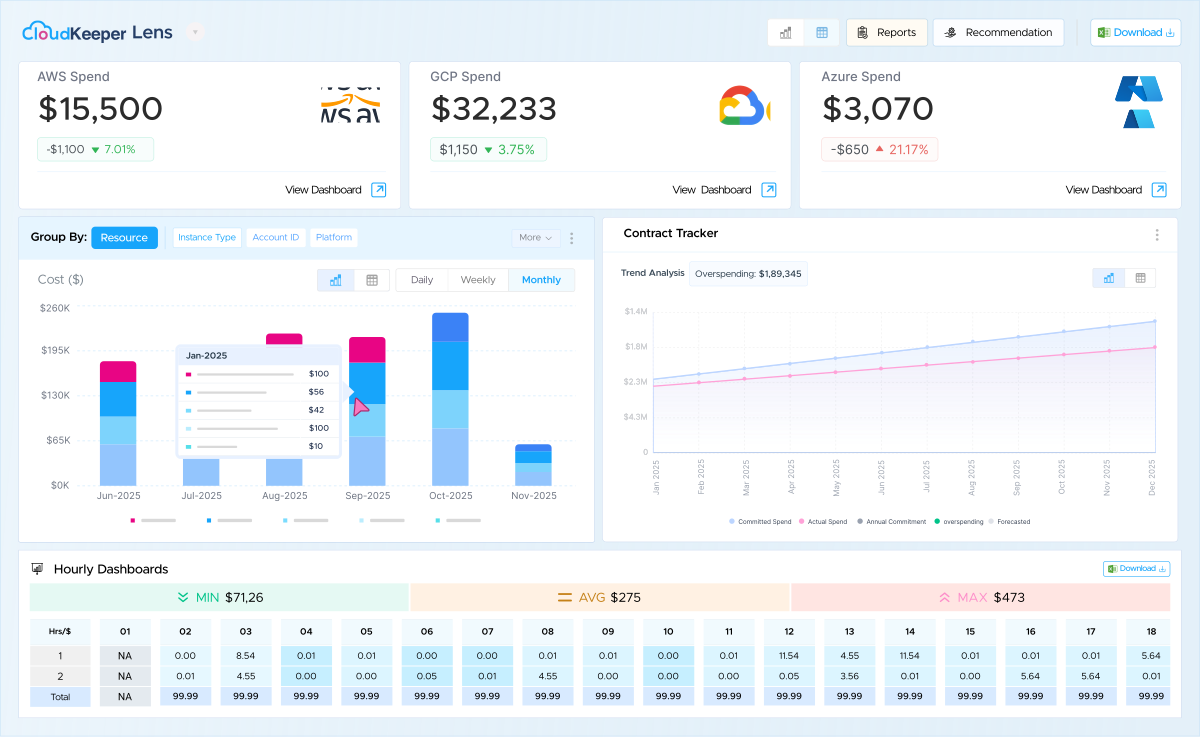
CloudKeeper Lens transforms the way your teams manage, monitor, and optimize cloud operations.

Resource level
cost visibility

Hourly
Dashboards

Advanced Cost
Breakup Dashboards

No access needed
to your cloud account

Slack and MS
Teams Integration
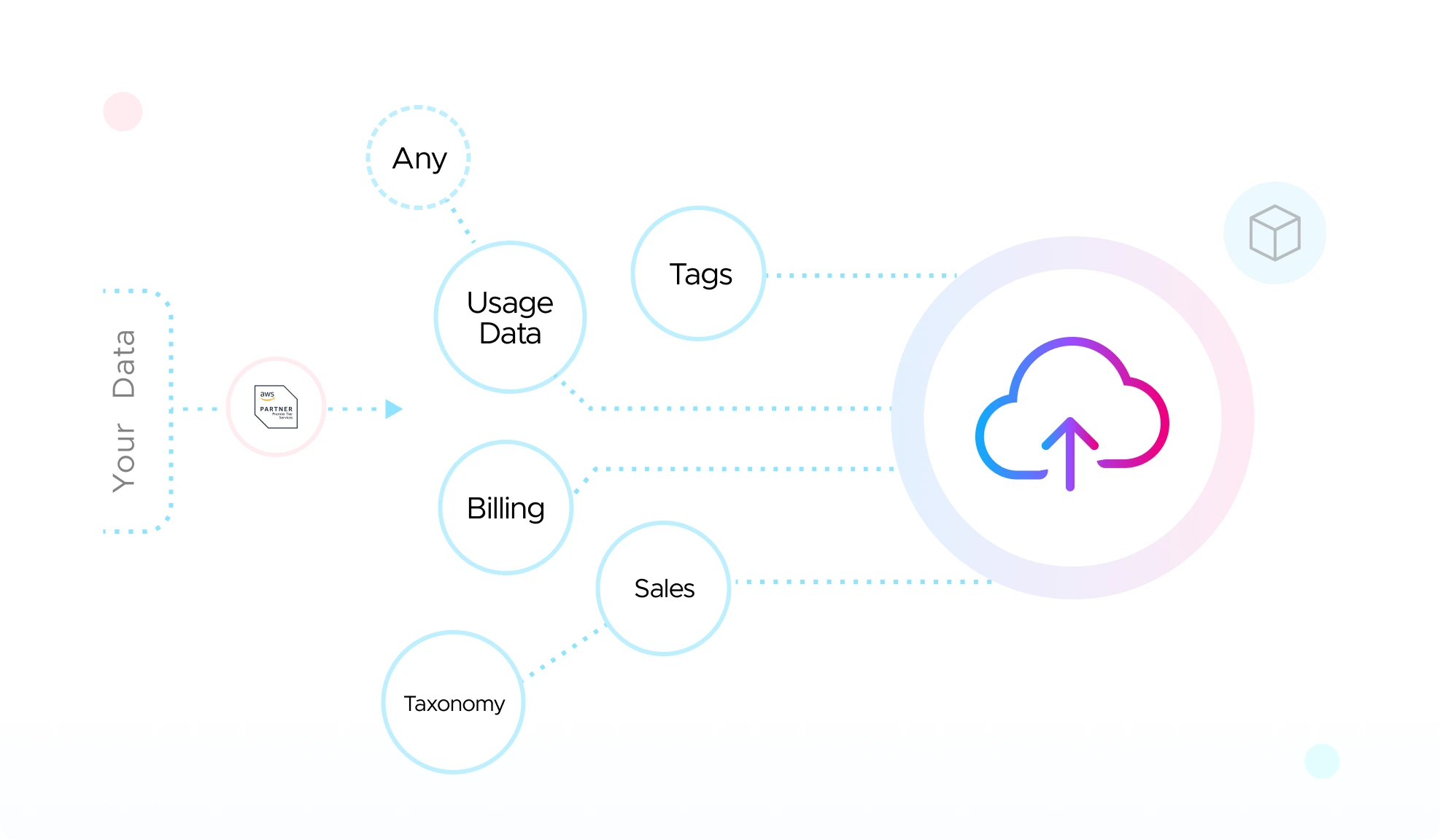
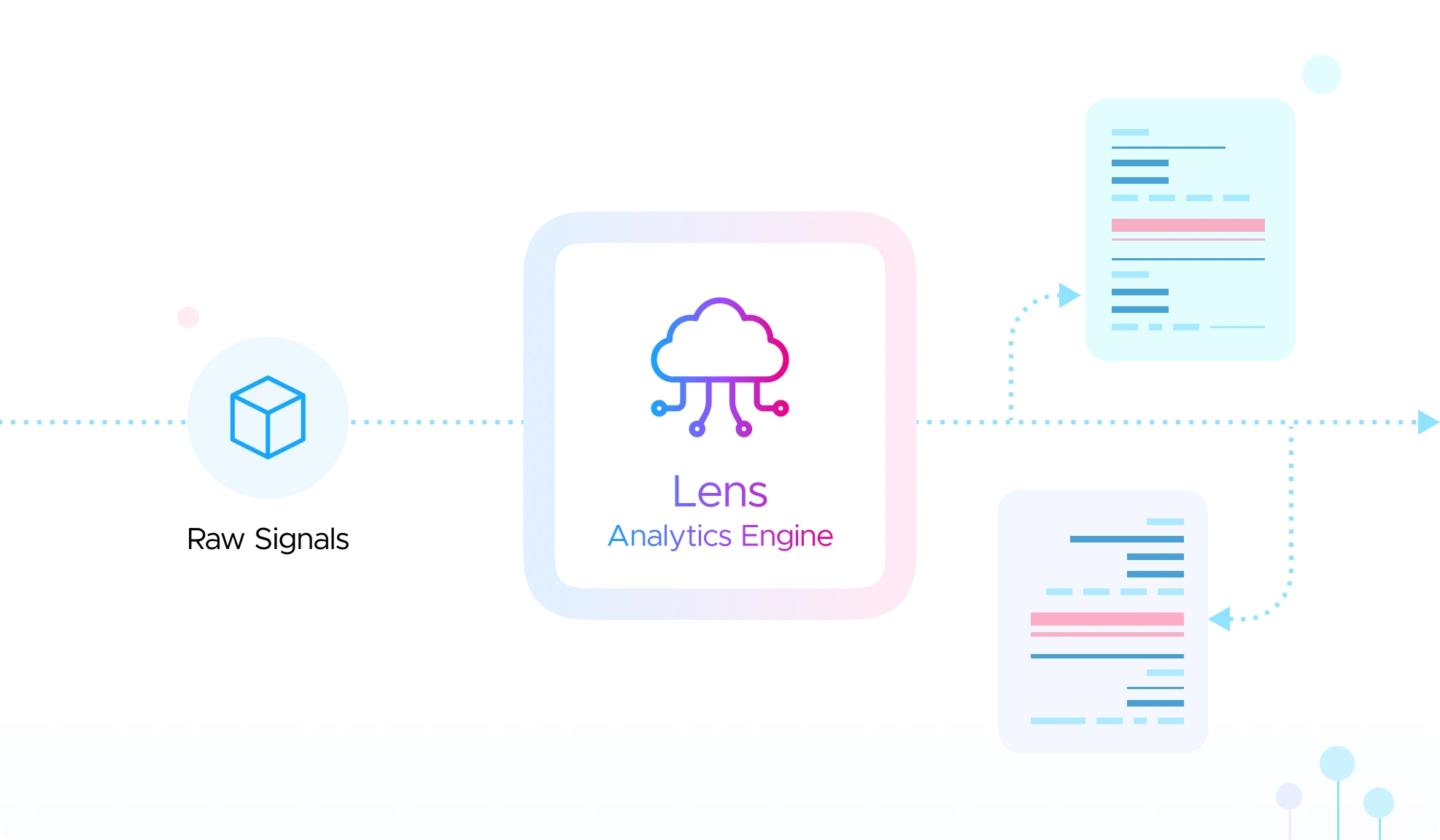
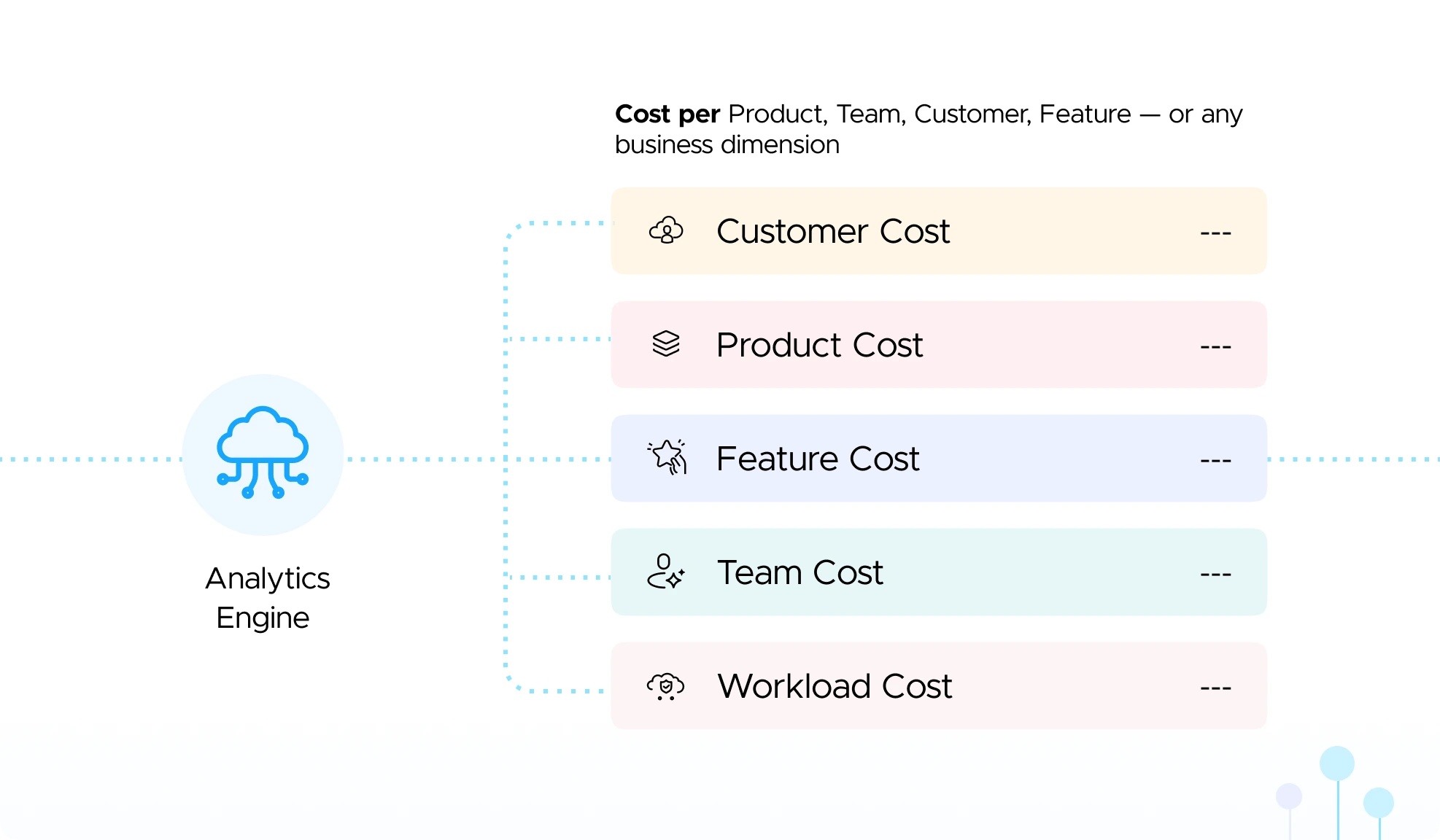
Our proprietary Lens Analytics Engine ingests your cloud billing, tags, and business taxonomy to deliver cost visibility at any level of
granularity - customized to how your organization operates.


Ingest
Everything


Normalize & Map
to Your Business


Analyze at Any
Level of Granularity


Deliver Actionable
Insights
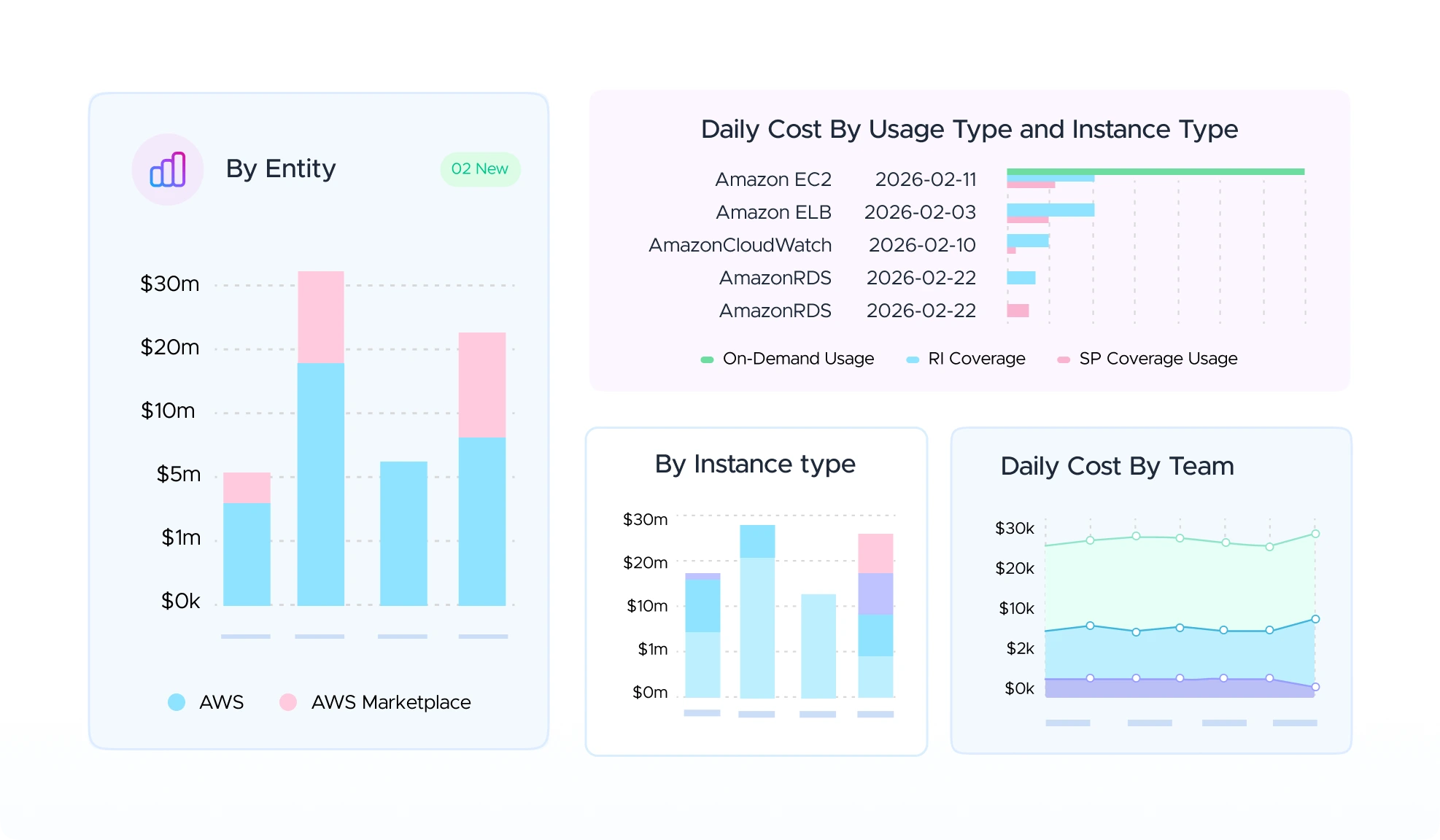
CloudKeeper Lens vs. Native Tools: Here’s How Lens Does It Better
| Exclusive Features | Native by Cloud Providers | CloudKeeper Lens |
|---|---|---|
Hourly Dashboard | No | Yes |
Value for Users The Hourly Dashboard offers real-time visibility into cloud costs, helping users identify usage spikes, any spend anomalies, optimize spend patterns, and make faster, data-driven decisions. Feature Highlights
| ||
Resource-Level Visibility | No | Yes |
Value for Users Know your cloud costs to the penny. Drill down to every instance, volume, and resource to spot cost-heavy components, rightsize fast, and allocate spend to the smallest team or project. Feature Highlights
| ||
Advanced Cost-Breakup dashboards | No | Yes |
Value for Users Full-stack visibility for critical services at every level - clusters, nodes, pods, CPU, memory, and regions. Capture hidden costs that native tools miss, and model unit costs—per instance, per resource, with accuracy. Feature Highlights
| ||
Contract Tracker (e.g. AWS EDP) | No | Yes |
Value for Users Real-time visibility into AWS EDP consumption, helping teams track usage, stay on target with commitments, and avoid chargebacks. Feature Highlights
| ||
Daily Cost Digest | No | Yes |
Value for Users Receive a daily, high-level summary directly in the inbox/Slack channel. Keeps teams aware of major cost movements without requiring console logins or context-switching. Feature Highlights
| ||
Human-assisted cost detection | No | Yes |
Value for Users Receive actionable alerts verified by cloud experts, filtering out noise and false positives. Saves critical time and prevents alert fatigue on the technical team. Feature Highlights
| ||
RI/SP Coverage, Utilization | No | Yes |
Value for Users Track coverage and utilization, identify idle RIs/SPs, buy and renew with a simple, one-stop interface and instant Buy Again option. Feature Highlights
| ||
Custom Cost Reporting | Limited | Advanced |
Value for Users Generate reports tailored to your team’s needs - filter by tags, services, or projects to create detailed, drill-down insights. Feature Highlights
| ||
Tag Management & Compliance | Limited | Advanced |
Value for Users Highlights untagged and non-compliant resources with their costs, ensuring better allocation, governance, and accountability. Feature Highlights
| ||
 Hourly Dashboard
The Hourly Dashboard offers real-time visibility into cloud costs, helping users identify usage spikes, any spend anomalies, optimize spend patterns, and make faster, data-driven decisions.
 Resource-Level Visibility
Know your cloud costs to the penny. Drill down to every instance, volume, and resource to spot cost-heavy components, rightsize fast, and allocate spend to the smallest team or project.
 Advanced Cost-Breakup dashboards
Full-stack visibility for critical services at every level - clusters, nodes, pods, CPU, memory, and regions. Capture hidden costs that native tools miss, and model unit costs—per instance, per resource, with accuracy.
 Contract Tracker (e.g. AWS EDP)
Real-time visibility into AWS EDP consumption, helping teams track usage, stay on target with commitments, and avoid chargebacks.
 Daily Cost Digest
Receive a daily, high-level summary directly in the inbox/Slack channel. Keeps teams aware of major cost movements without requiring console logins or context-switching.
 Human-assisted cost detection
Receive actionable alerts verified by cloud experts, filtering out noise and false positives. Saves critical time and prevents alert fatigue on the technical team.
 RI/SP Coverage, Utilization
Track coverage and utilization, identify idle RIs/SPs, buy and renew with a simple, one-stop interface and instant Buy Again option.
 Custom Cost Reporting
Generate reports tailored to your team’s needs - filter by tags, services, or projects to create detailed, drill-down insights.
 Tag Management & Compliance
Highlights untagged and non-compliant resources with their costs, ensuring better allocation, governance, and accountability.
Here are a few of the many ways CloudKeeper Lens empowers your team.
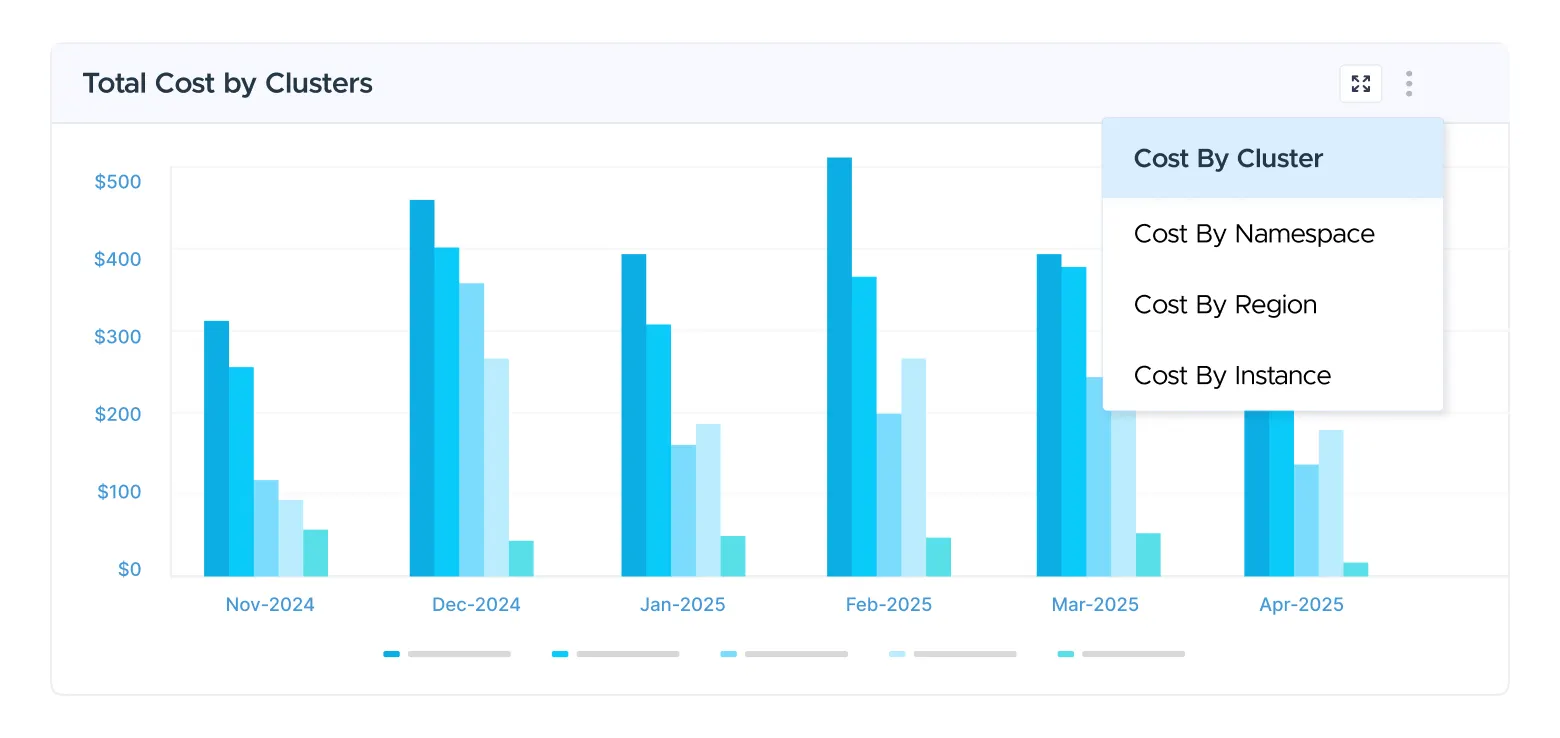
A simplified, high-level monthly overview of all cost centers.
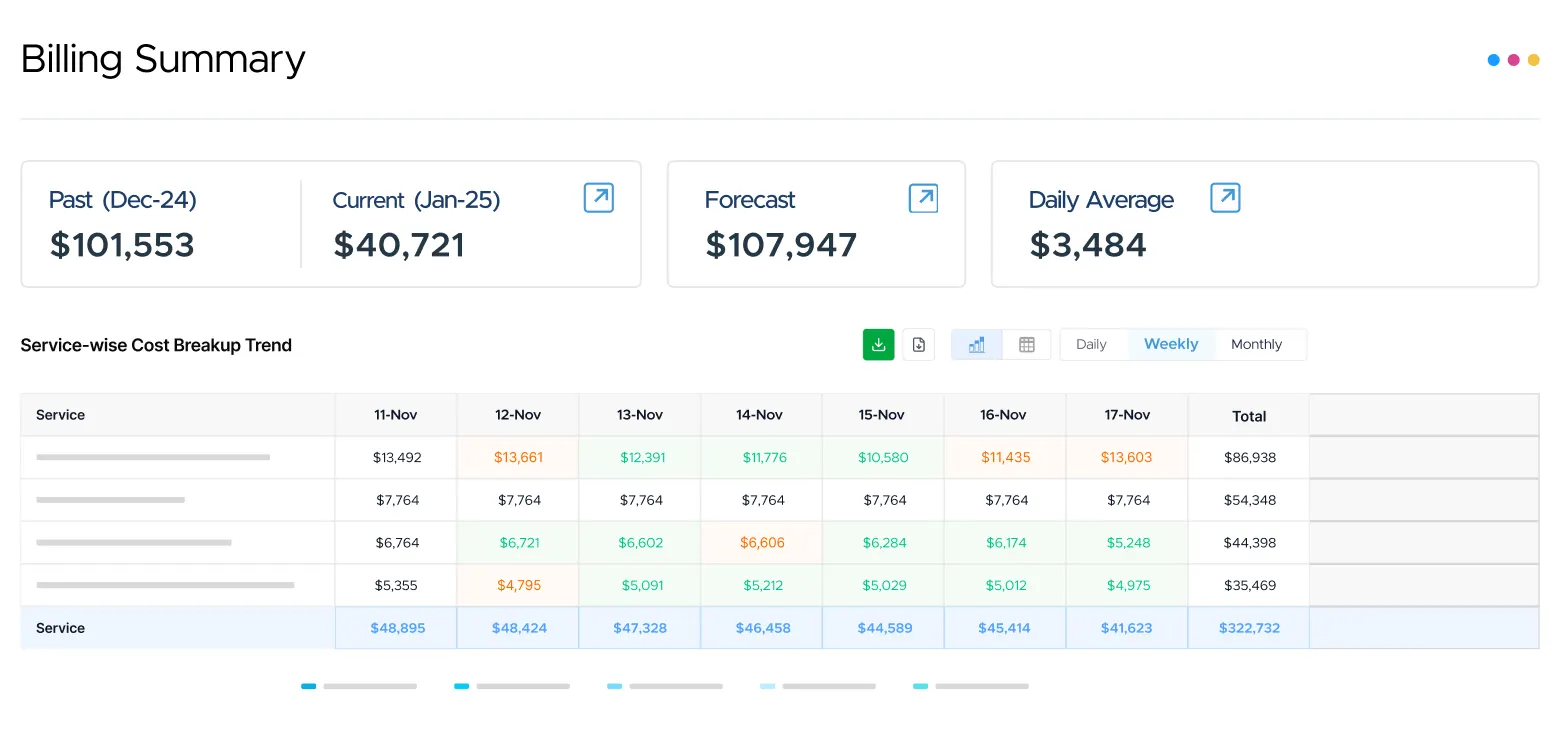
Resource coverage & utilization by cost, hourly cost breakdowns for RI planning.
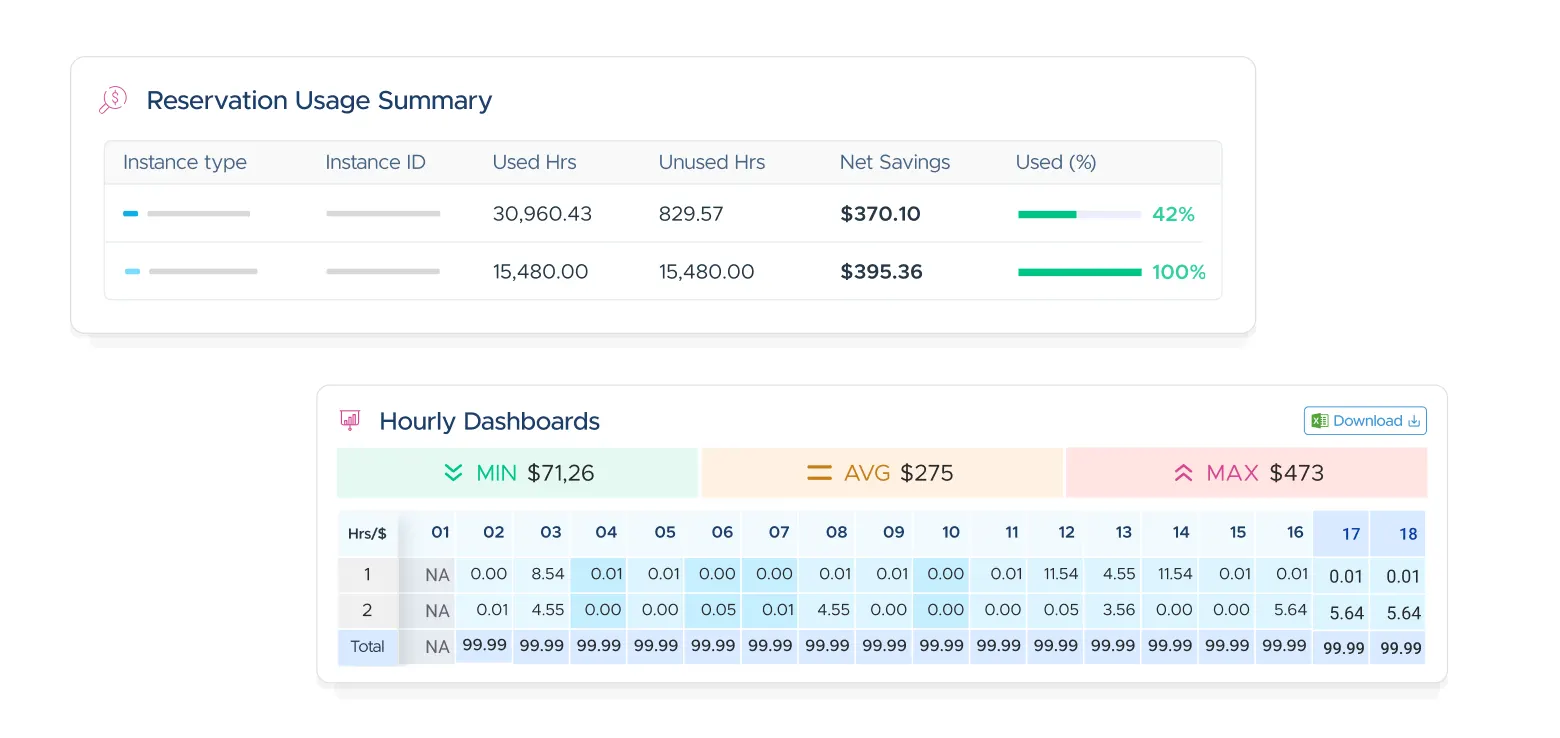
Resource-level cost insights that help teams pinpoint what’s driving spend accurately.
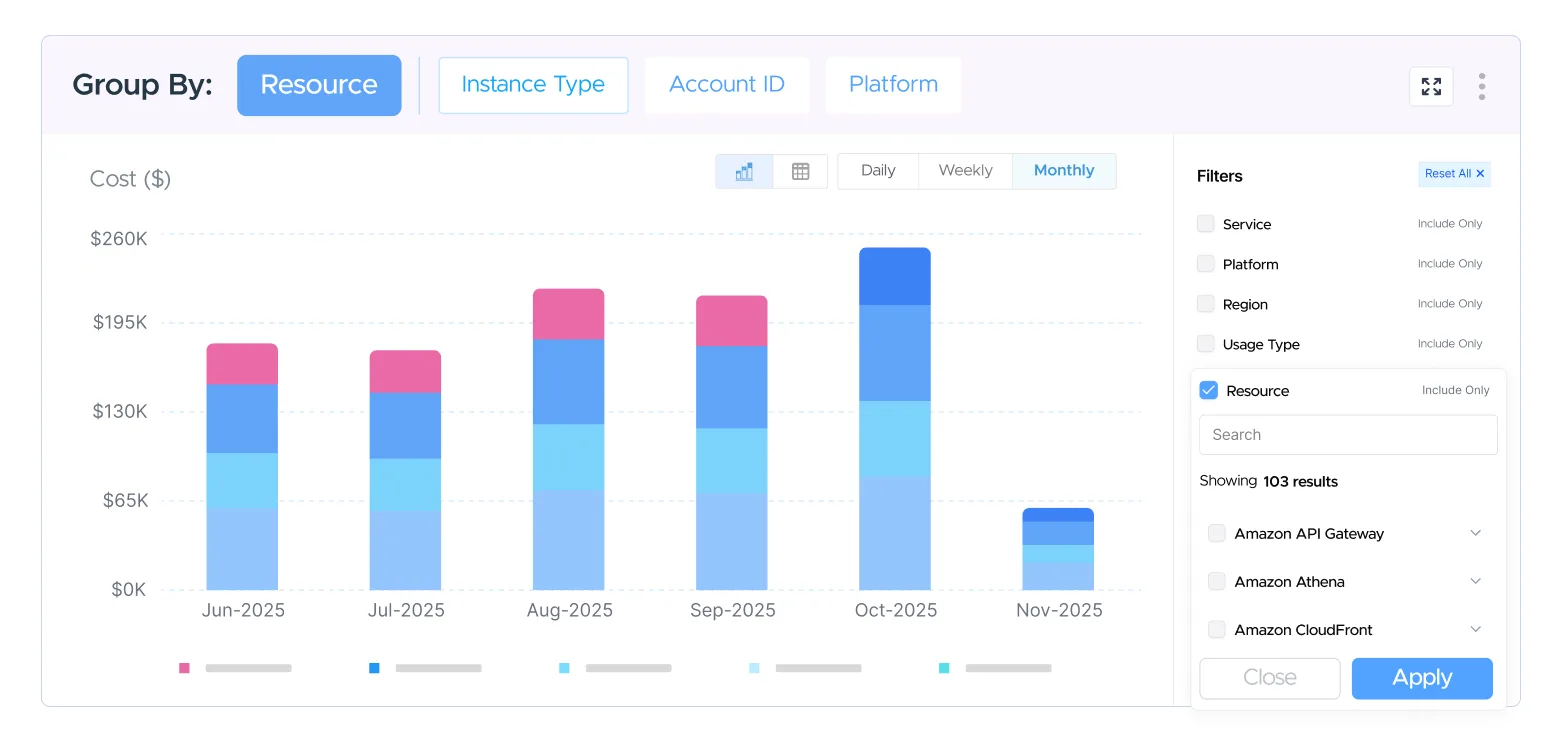
Ensure proper tagging and visibility into resource usage trends across accounts.
Identify anomalies early, track trends hourly at the resource
level, and surface insights with heatmaps and utilization metrics.

Gain instant visibility with expert-built dashboards, customizable
reports, access controls, and alerts tailored to your teams.

Set precise alerts, customize thresholds to your needs, and receive
automated optimization recommendations turning insights.









 Verified G2 Review
 Verified G2 Review




30-day free trial!
1% of the monthly cloud bill.
30-day free trial!
2% of the monthly cloud bill.





“Cost savings kicked in immediately and were reflected in the next month’s bill. A second set of savings came in the longer term is due to the team, process and the tools that highlighted the areas we might look in to save money.”
“Having access to experts whenever we need them in terms of new services, infrastructure & if we’re trying something new, CloudKeeper has the capability to support us. ”
“After onboarding in just 1-2 days, you get recommendations by Cloudkeeper about the gaps & leakage you have in your AWS account, underutilized resources, data transfer leakage, RI utilization & alert mechanisms which helps in further savings.”






Major Player in MarketScape’s Worldwide FinOps Cloud Cost Optimization Assessment.

Major Player in FinOps Cost Management Products PEAK Matrix Assessment 2025.

Notable Vendor in Magic Quadrant for Public Cloud IT Transformation Services - Midmarket Global.

Product Challenger in APAC for AWS Ecosystem Partners 2025.