Senior DevOps Engineer
Rohit is passionate about designing and implementing scalable, secure, and efficient DevOps solutions including automation pipelines, cloud architectures, and infrastructure as code.
 Webinar
19 Feb, 2026 | 6 Min read

When working with AWS, we may want to track AWS EC2 instance launches. By default, both manual launches and Auto Scaling Group (ASG) launches generate the same RunInstances API event in CloudTrail.
But in real-world use cases, we often want alerts only for manually created (standalone) AWS EC2 instances, not for instances spawned automatically by ASGs.
We can achieve this using CloudTrail + EventBridge + SNS.
Whenever an AWS EC2 instance is launched, CloudTrail records a RunInstances event.
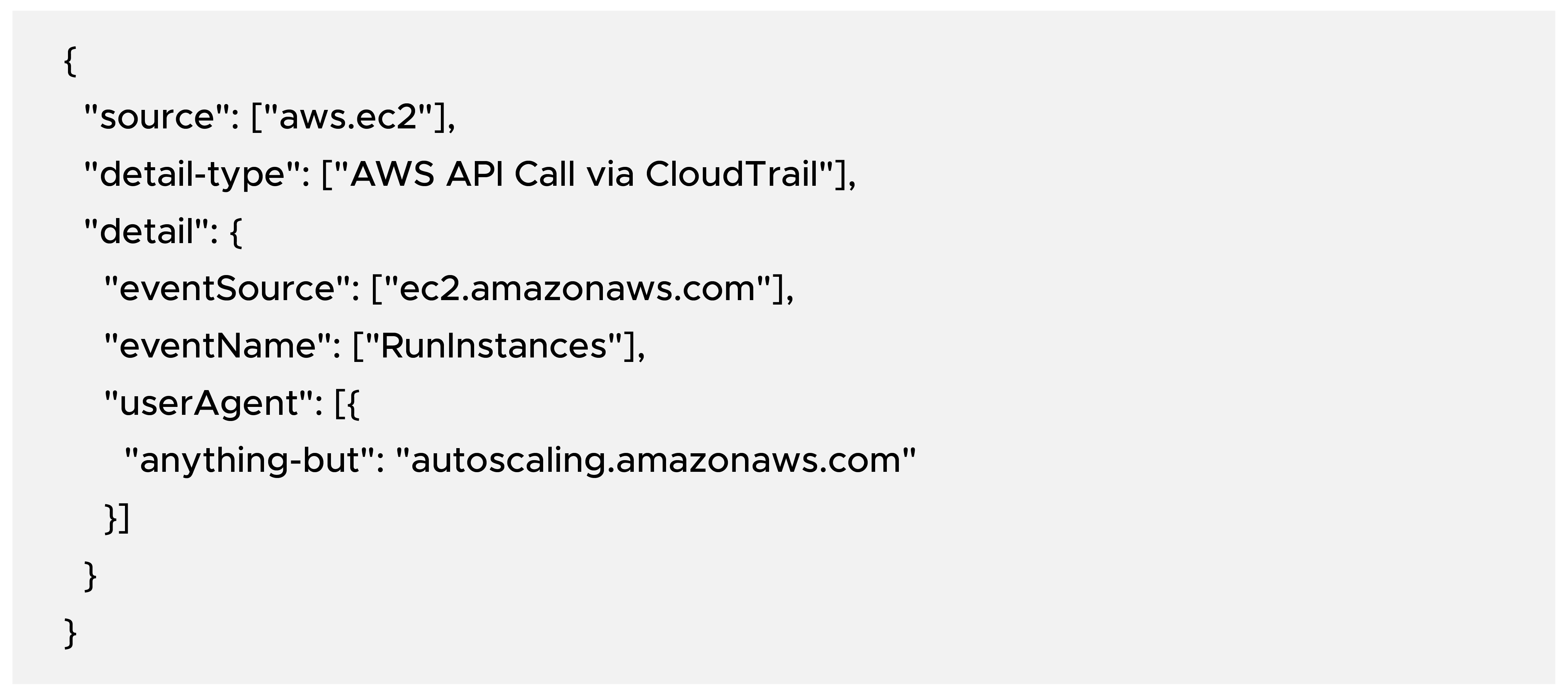
When the instance is created by ASG, then we have the below userAgent value.

This difference in userAgent lets us filter out ASG events.
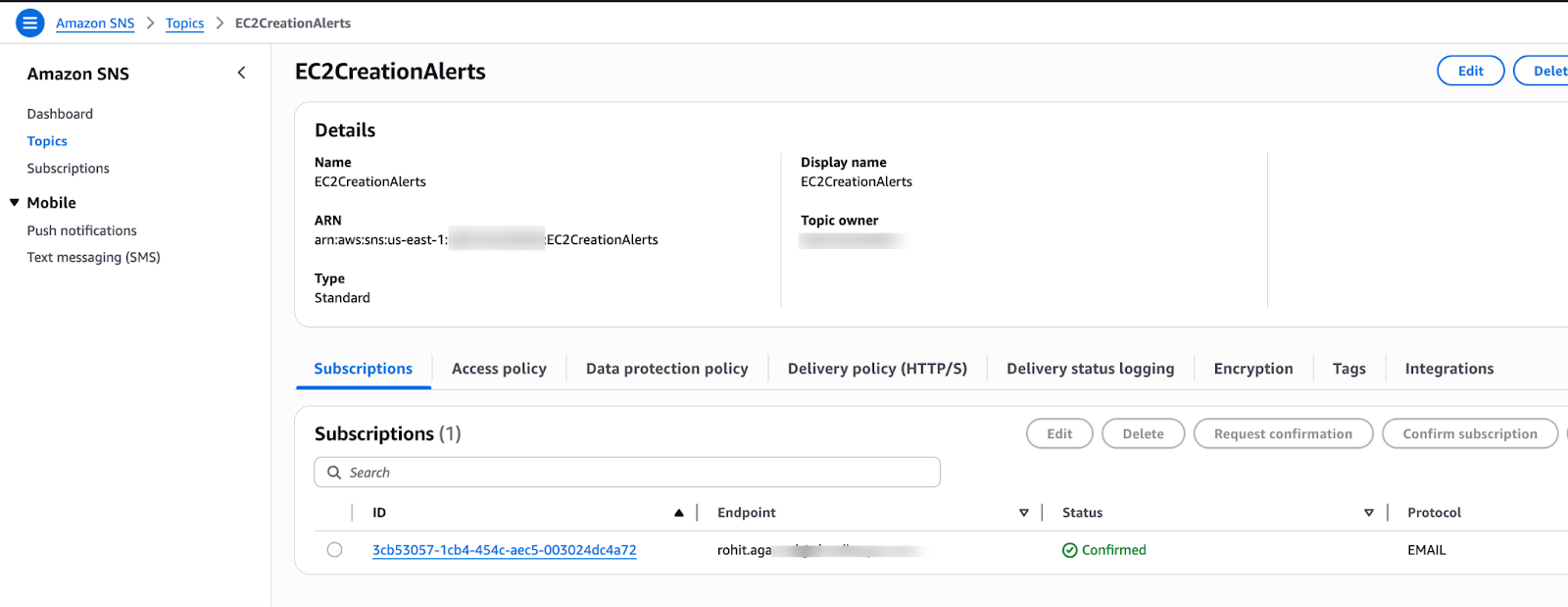
Go to Amazon SNS → Topics → Create topic
a) Type: Standard
b) Name: EC2CreationAlerts
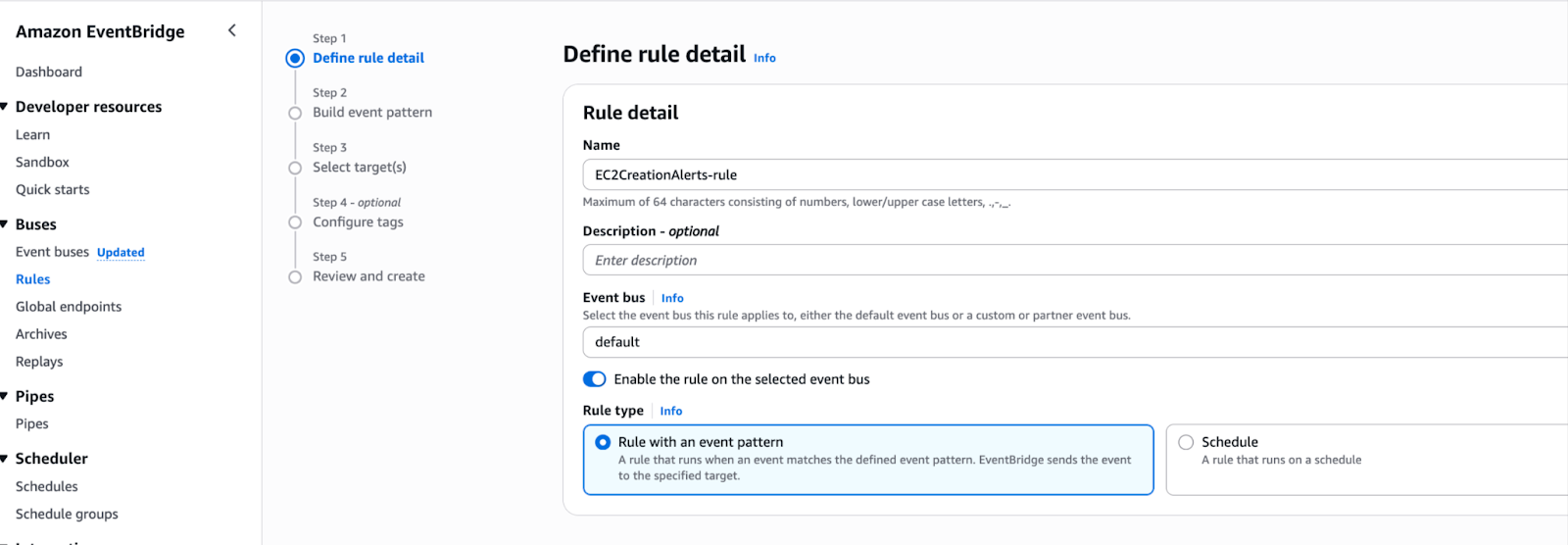
Click on Custom Pattern(Json Editor) and paste the pattern below.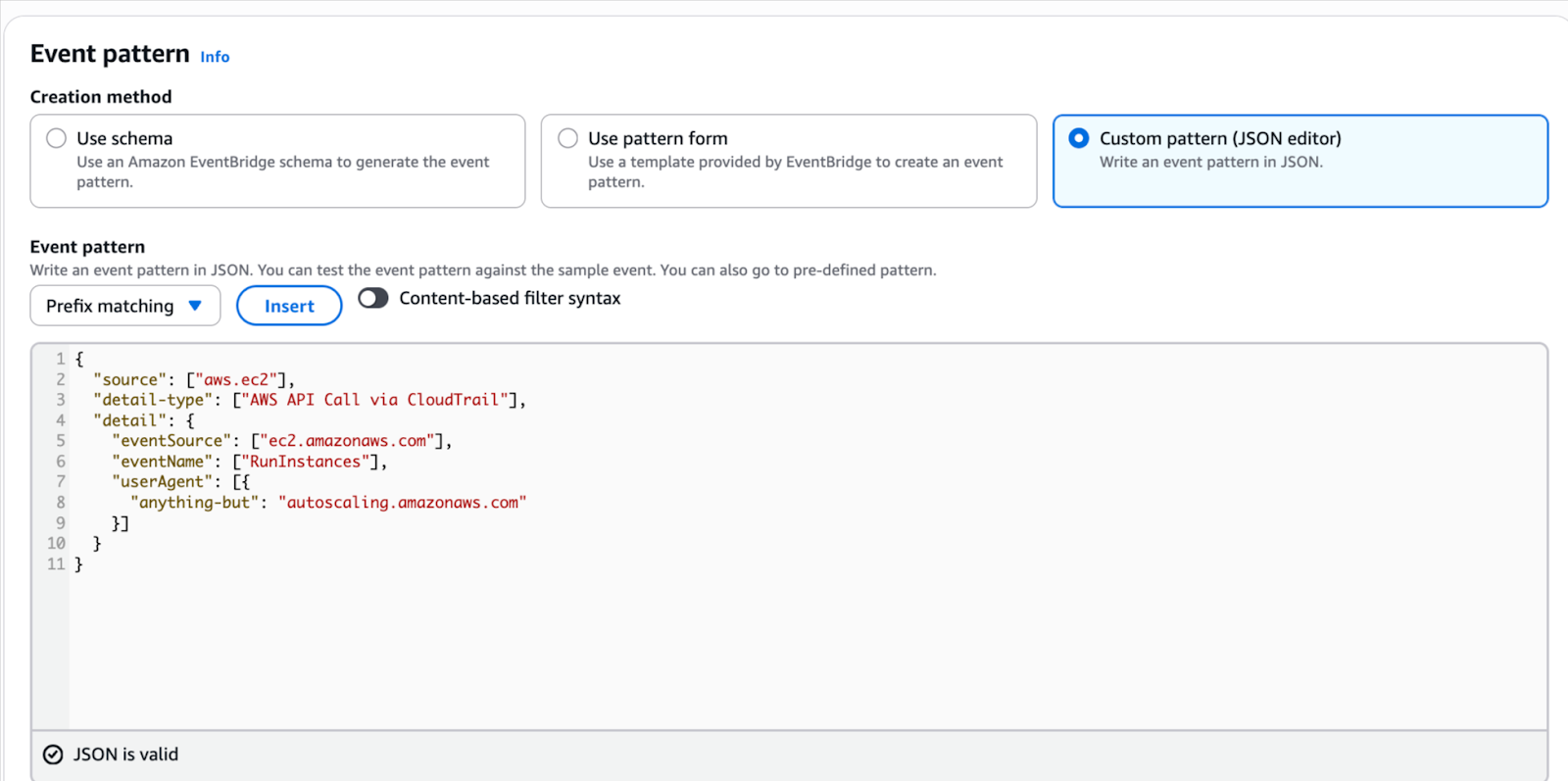
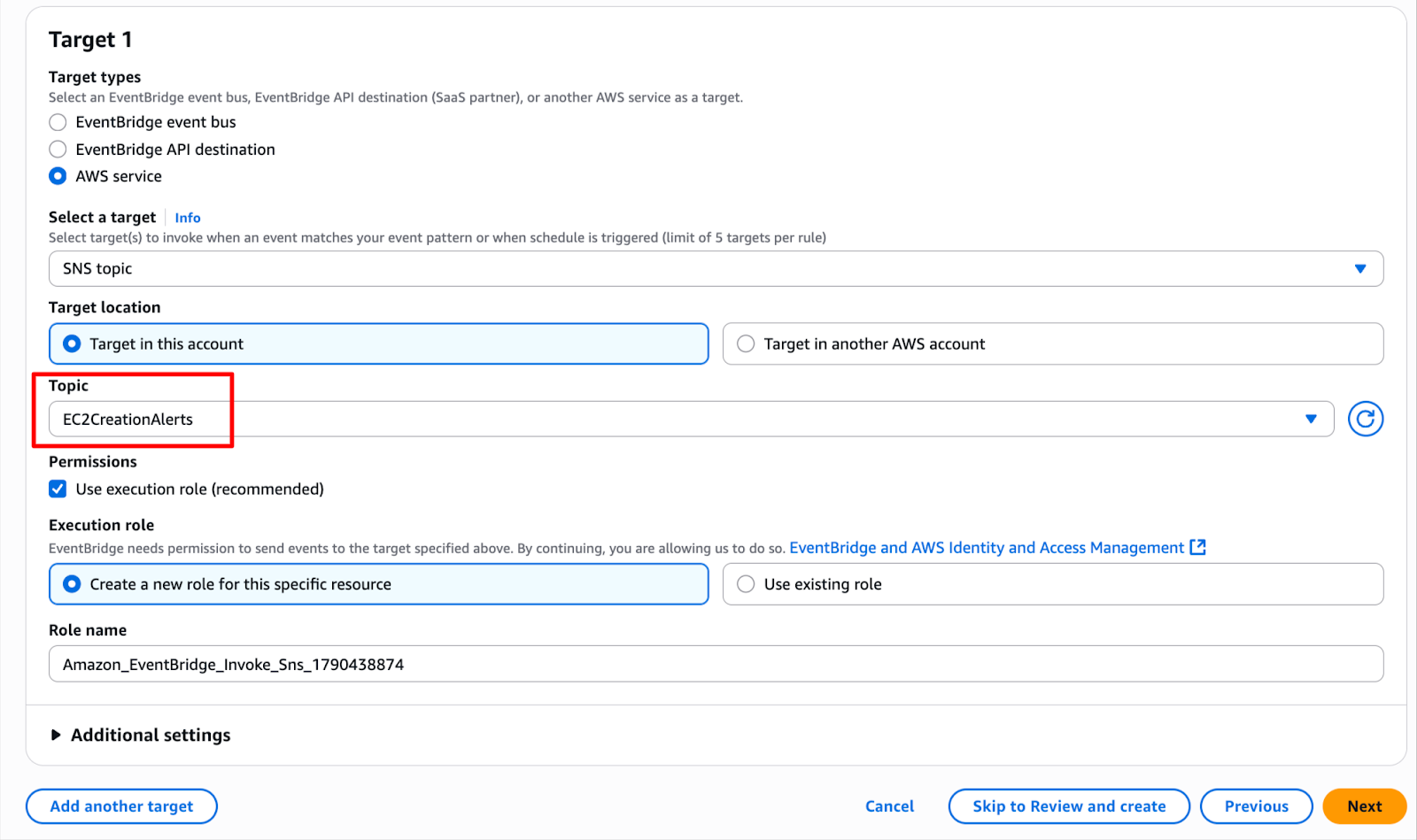
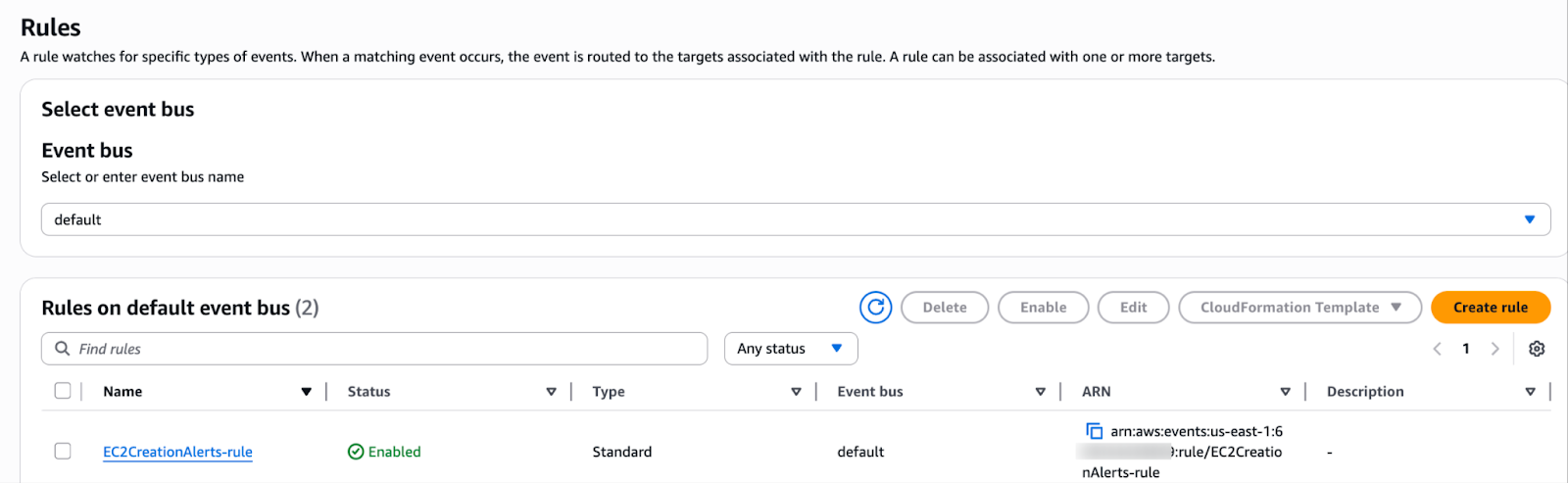
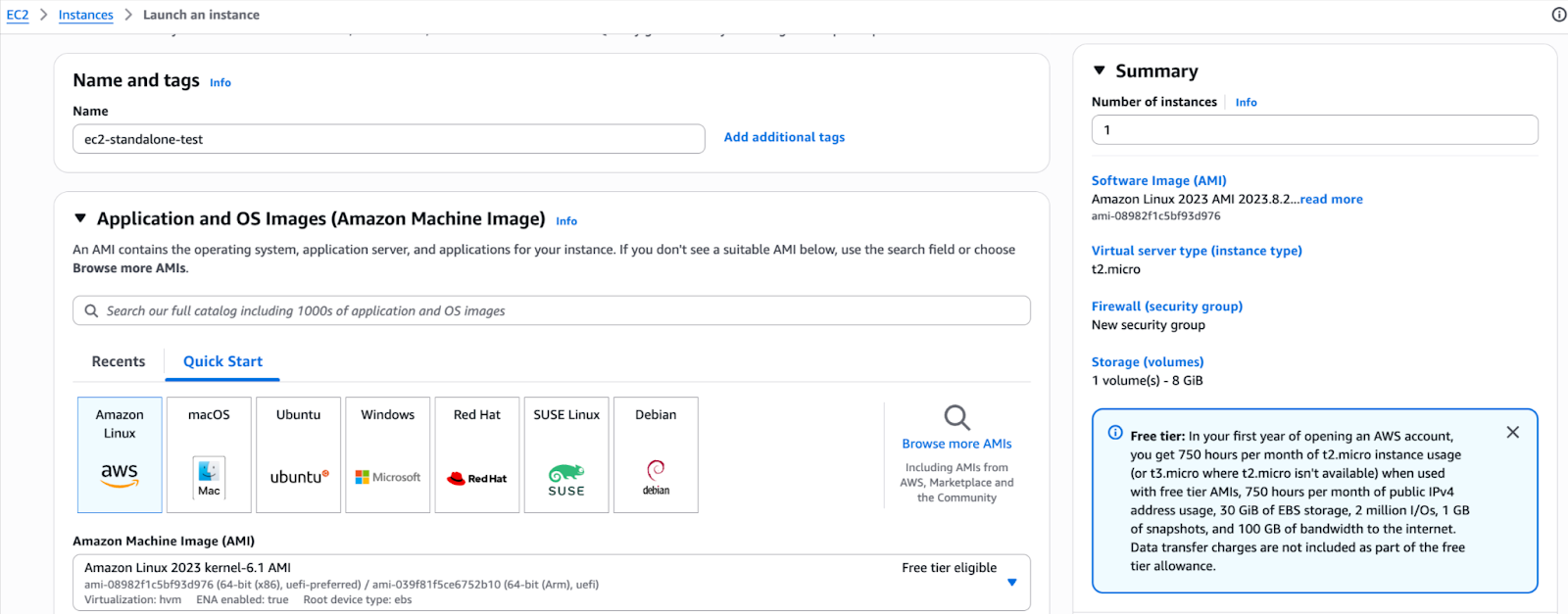

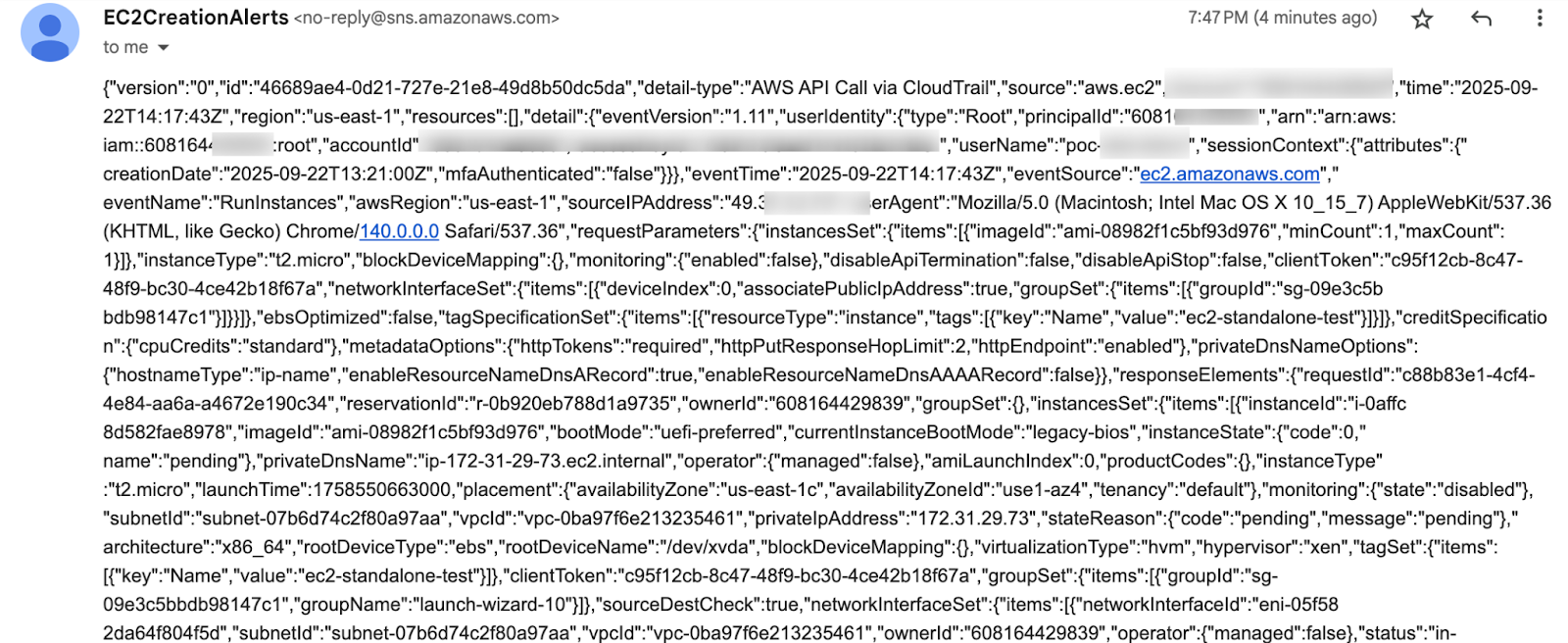
Note: If you prefer a custom message format over raw event JSON via email, you can create a Lambda function and attach it to EventBridge according to your requirements. Please ensure that AWS Lambda has the required permissions to send logs to Amazon CloudWatch and publish messages to an SNS topic.
With this setup, we get real-time visibility into EC2 instances that are created manually, while avoiding noise from Auto Scaling events. This not only helps us enforce governance and security policies, but also ensures we can act quickly to prevent unnecessary costs from forgotten or unauthorized resources.
By combining CloudTrail, EventBridge, and Amazon SNS (or AWS Lambda for custom messages), we build a lightweight yet powerful guardrail that keeps your AWS environment clean, secure, and cost-efficient.

99% of companies saved up to 15% monthly with this plan & achieved peak performance.