Problem Statement
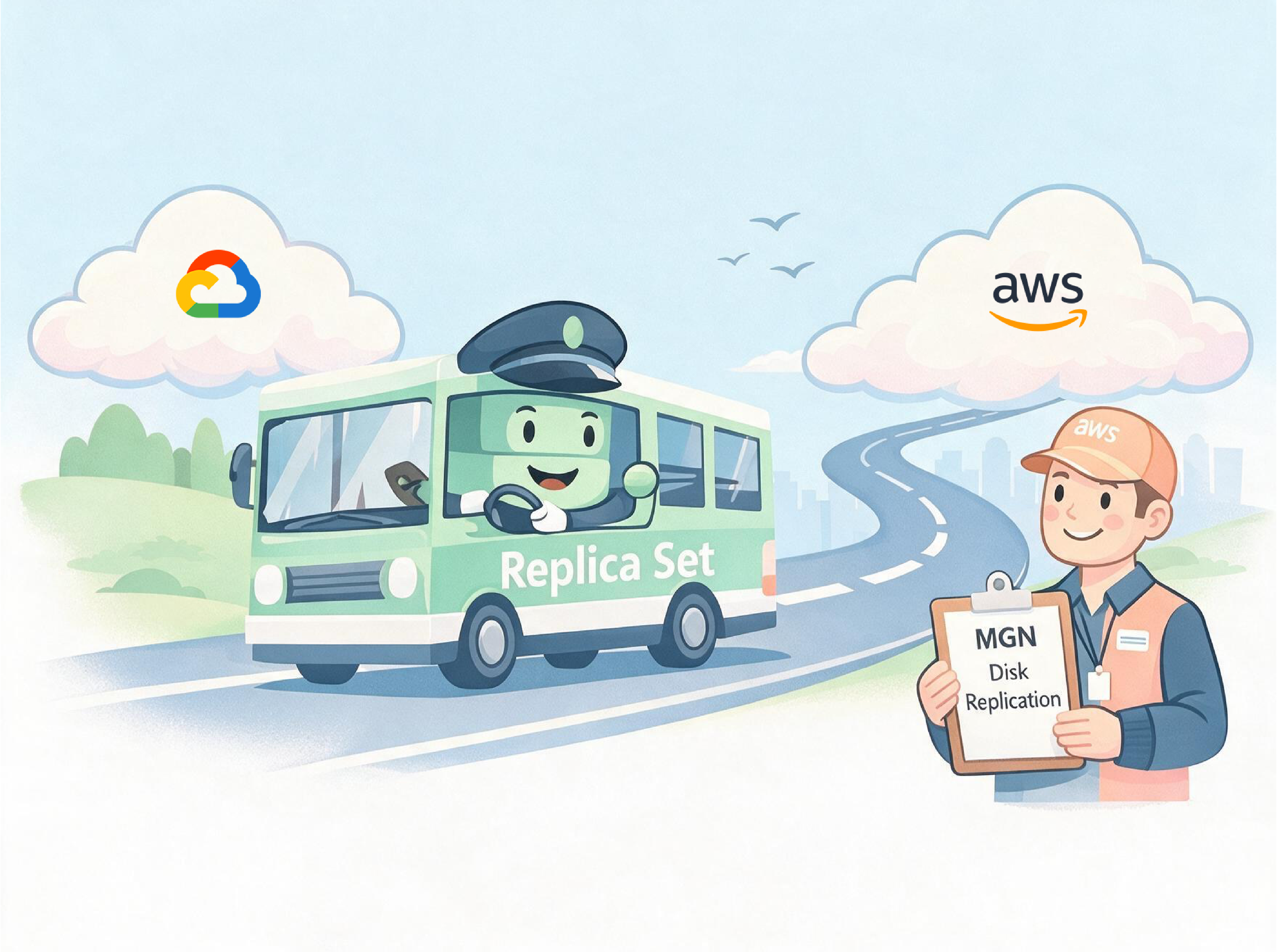
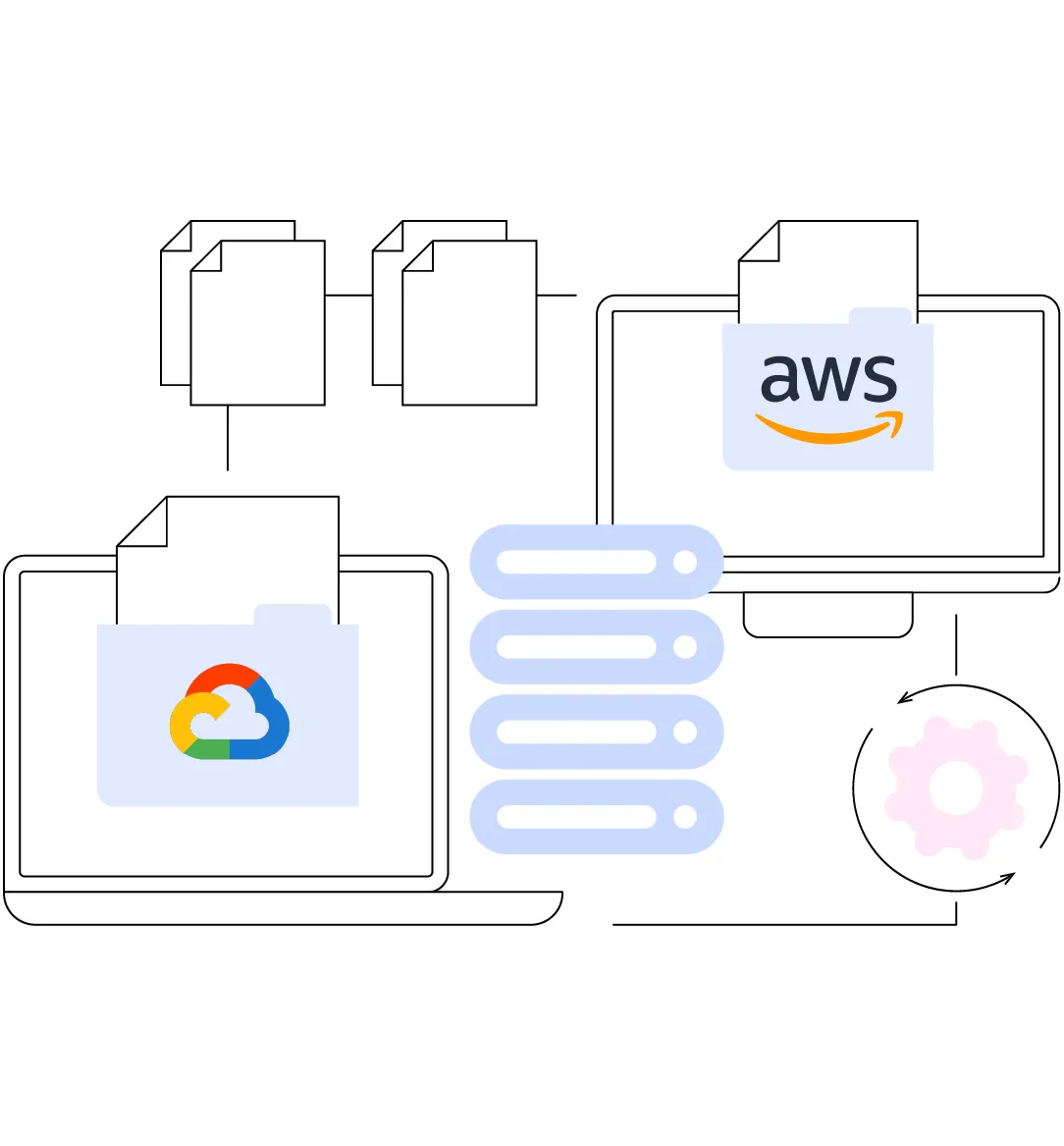
The organization needed to migrate a stateful MongoDB workload from Google Cloud Platform to Amazon Web Services with strict requirements:
- Zero downtime
- No data loss
- Ability to rollback
- Confidence before final cutover
- Minimal operational risk
Traditional approaches (mongodump/restore, export–import, downtime cutover) were rejected due to:
- High downtime
- Irreversible cutover
- Risk of data inconsistency
- Lack of rollback safety
The goal of this PoC was to prove a safe, reversible, production-ready migration strategy before executing a real production cutover.
Core Design Principle
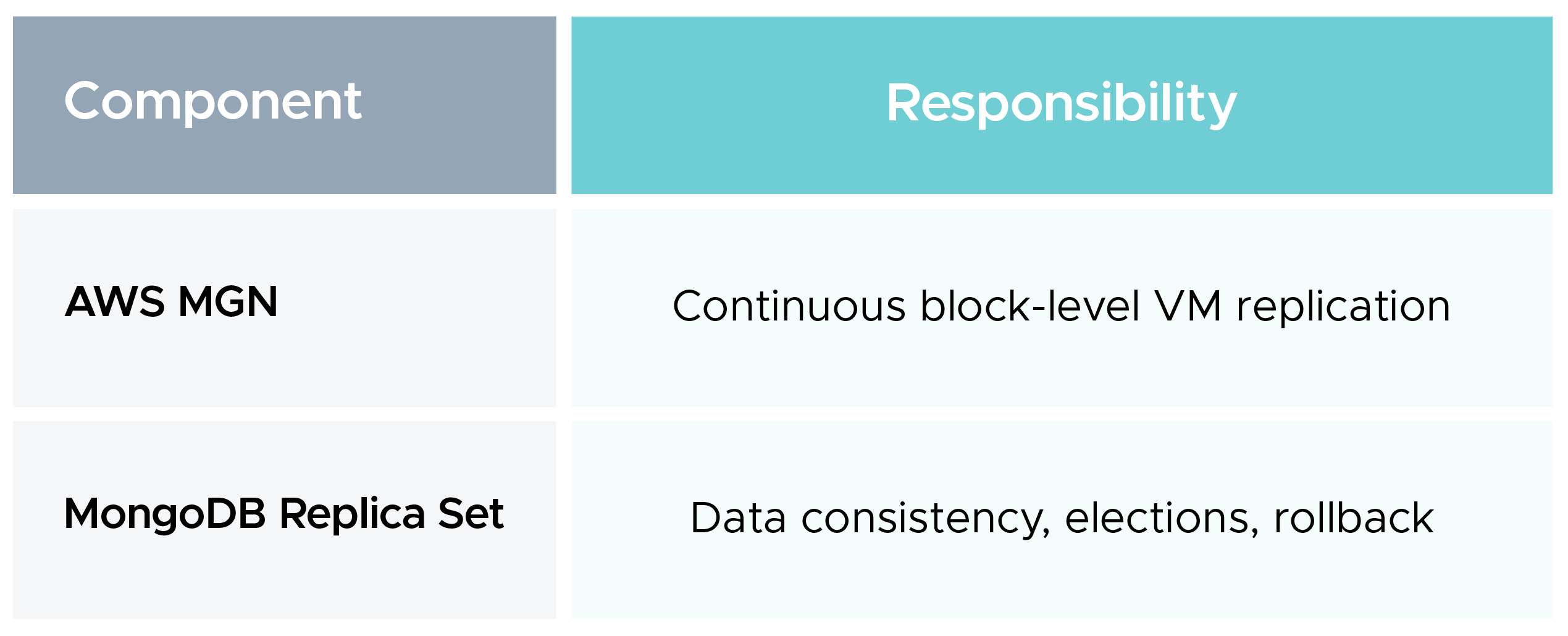
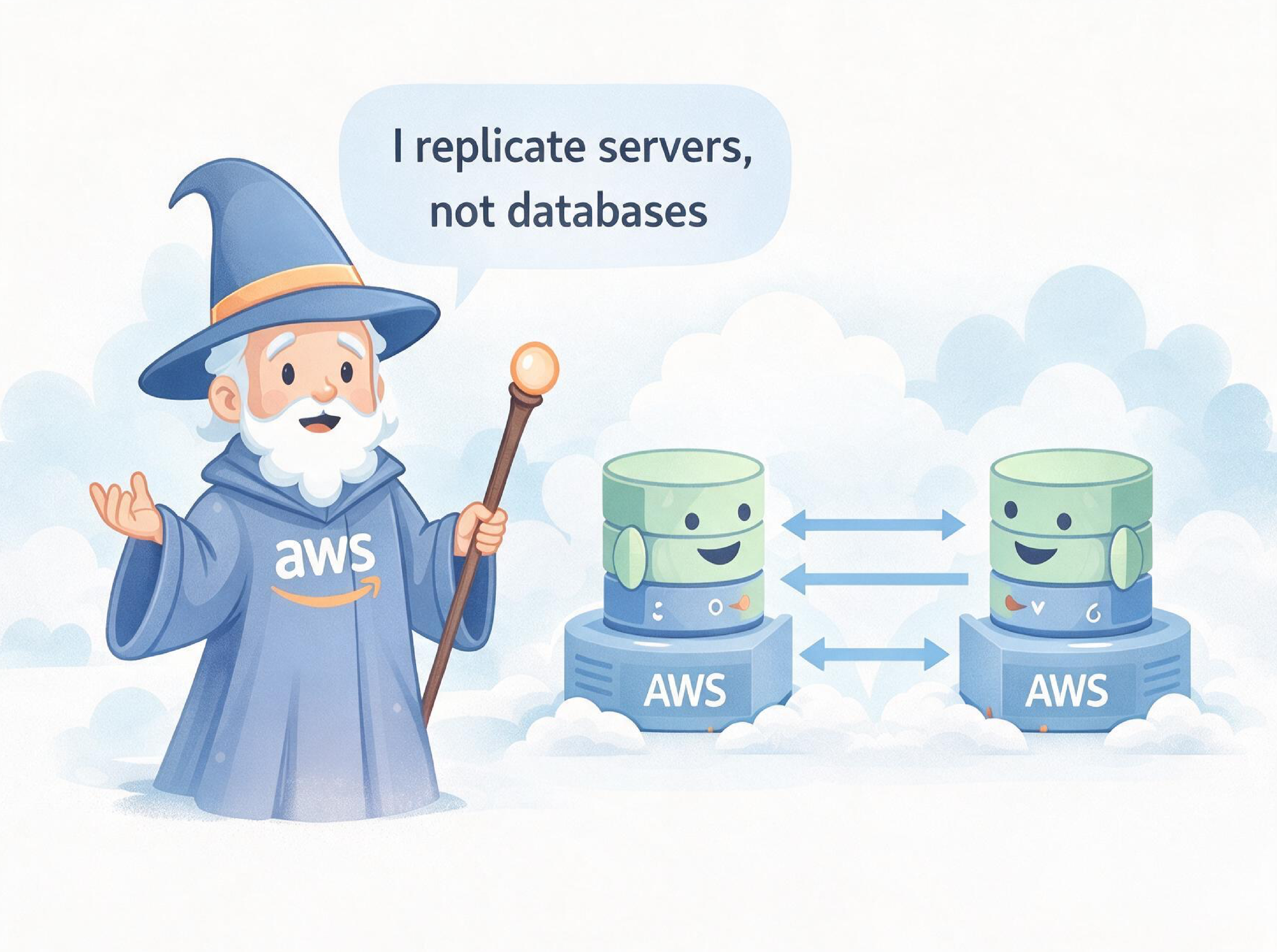
- Do not move MongoDB data manually.
- Let MongoDB replicate data.
- Let AWS MGN replicate infrastructure.
This approach separates concerns:
Why This Approach Was Chosen
Why AWS MGN
- Continuous replication
- No application changes
- Test launch before cutover
- Proven enterprise service
Why MongoDB Replica Sets
- Strong write consistency
- Oplog-based replication
- Automatic elections
- Safe failover & rollback
- Crash-consistent recovery
This combination allows safe cutover control without risking data.
High-Level Architecture (PoC)
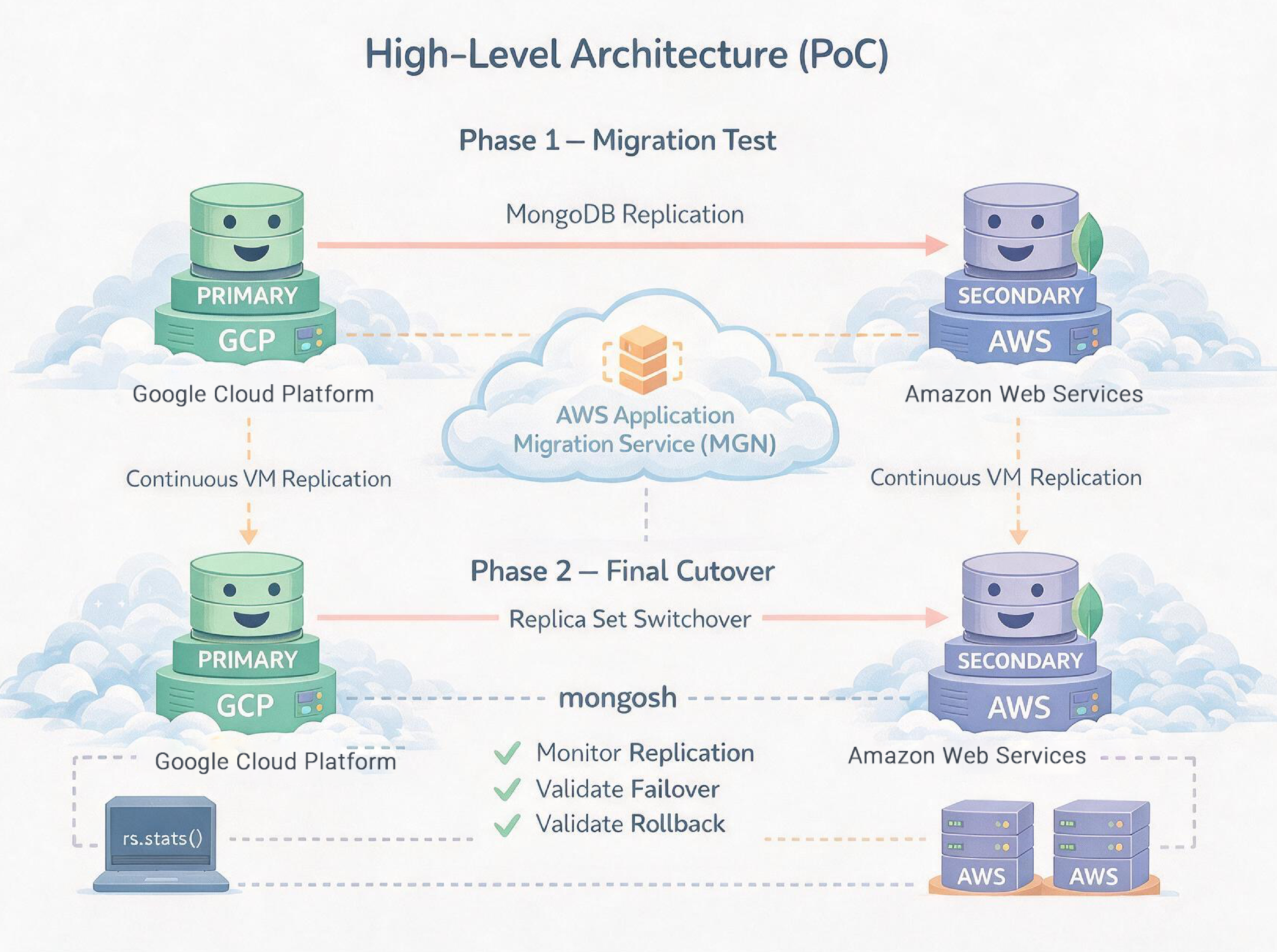
- Public IPs were used only for PoC speed.
- Production will use private networking (VPN / VPC peering).
Phase-by-Phase Execution (What We Did)
Phase 1 — GCP MongoDB Baseline Setup
Step 1️:- Install MongoDB on GCP
- MongoDB 7.x
- WiredTiger storage engine
Validation
mongod --version
Step 2️:- Configure Replica Set on GCP
/etc/mongod.conf:
net:
port: 27017
bindIp: 0.0.0.0 # PoC only
replication:
replSetName: rs0
sudo systemctl restart mongod
Validation
sudo systemctl status mongod
Step 3️:- Initialize Replica Set on GCP
mongosh --host <GCP_IP> --port 27017
rs.initiate({
_id: "rs0",
members: [{ _id: 0, host: "<GCP_IP>:27017" }]
})
Validation
rs.status()
Step 4️:- Insert Baseline Data
use test
db.migration_test.insertMany([
{ source: "gcp", step: "before-mgn" },
{ source: "gcp", step: "baseline-confirmed" }
])
Validation
db.migration_test.find().pretty()
Phase 2 — AWS MGN Replication
Step 5️:- Install AWS MGN Agent on GCP
- MongoDB kept running
- Continuous disk replication started
Validation
- MGN console → Replication healthy
Step 6️:- Perform AWS MGN Test Launch
Validation
sudo systemctl status mongod
Phase 3 — MongoDB Replication (GCP → AWS)
Step 7️:- Add AWS Node as SECONDARY
On GCP PRIMARY:
rs.add("<AWS_IP>:27017")
Validation
rs.status()
- GCP → PRIMARY
- AWS → SECONDARY
- Replication lag = 0
Step 8️:- Validate Live Replication
Insert on GCP:
db.migration_test.insertOne({
source: "gcp",
step: "replication-proof-final"
})
Read on AWS:
db.getMongo().setReadPref("secondary")
db.migration_test.find().pretty()
Data replicated successfully
Phase 4 — Failover & Rollback Validation (Critical)
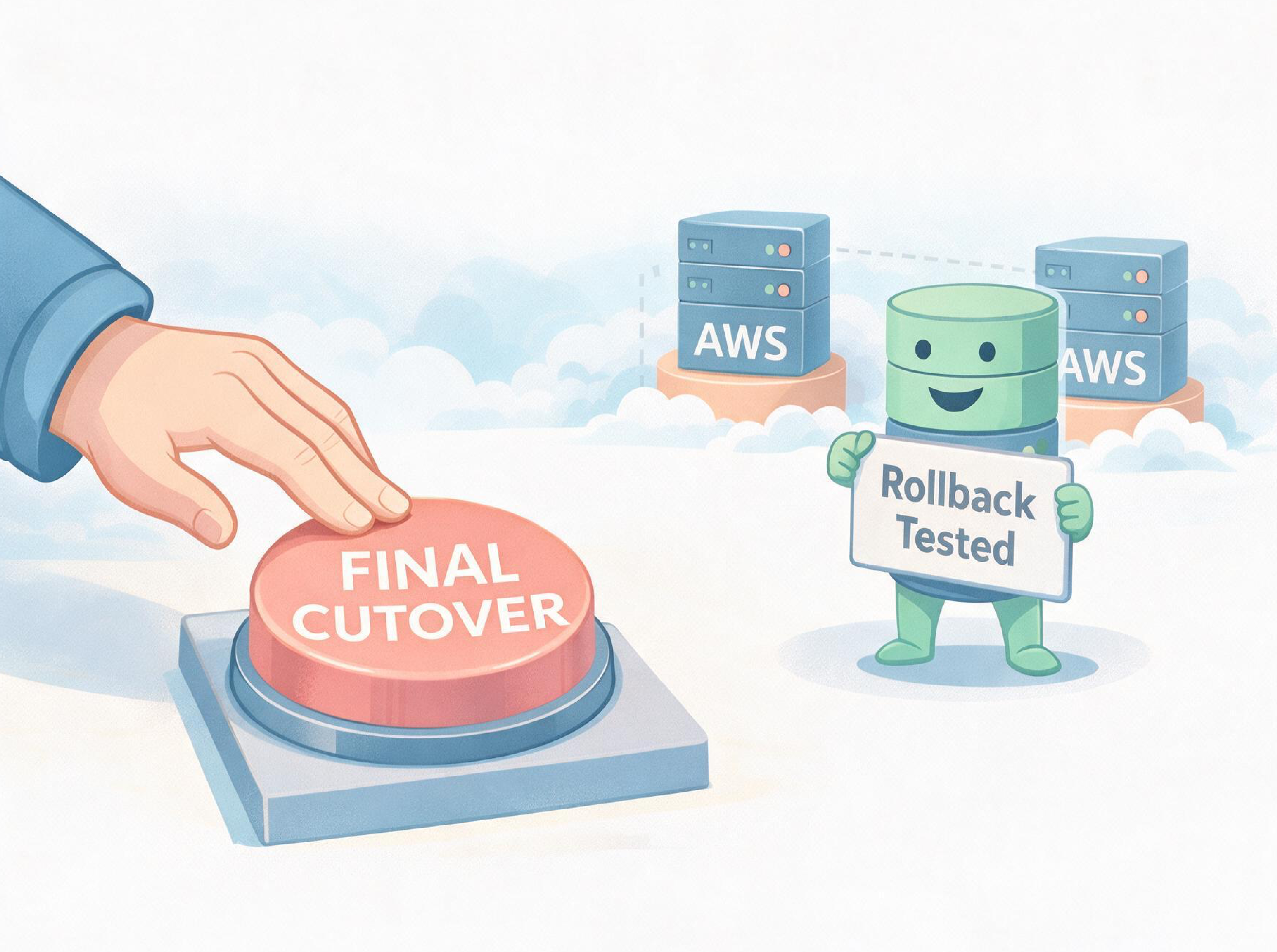
This phase proves migration safety before final cutover.
Step 9️:-Force Failover (GCP → AWS)
rs.stepDown(60)
Validation
rs.status()
- AWS elected PRIMARY
- GCP became SECONDARY
Step 10:- Write Test on AWS PRIMARY
db.migration_test.insertOne({
source: "aws",
step: "failover-write-test"
})
Step 11:- Validate Replication Back to GCP
db.getMongo().setReadPref("secondary")
db.migration_test.find({ step: "failover-write-test" })
Data replicated back
Step 12:- Rollback to GCP
rs.stepDown()
Validation
rs.status()
- GCP restored as PRIMARY
- No data loss
Phase 5 — Final Cutover (One-Way)
Step 13:- Promote AWS as PRIMARY
On GCP:
rs.stepDown(300)
Validation
rs.status()
Step 14:- Mark Cutover in AWS MGN
- MGN Console → Mark Cutover Complete
Step 15:- Remove GCP from Replica Set
On AWS PRIMARY:
rs.remove("<GCP_IP>:27017")
Step 16:- Decommission GCP MongoDB
sudo systemctl stop mongod
sudo systemctl disable mongod
Phase 6 — AWS Replica Creation Using Snapshot
Step 17: Create AWS EC2 Snapshot / AMI
- MongoDB running
- Crash-consistent snapshot (WiredTiger journaling)
Step 18: Launch Additional AWS Nodes
- Same AMI
- Same Security Group
Step 19 Prepare New Nodes
sudo rm -f /var/lib/mongodb/mongod.lock
sudo rm -f /var/lib/mongodb/WiredTiger.lock
sudo systemctl start mongod
Step 20 Add AWS Replicas
rs.add("<AWS_NODE_2>:27017")
rs.add("<AWS_NODE_3>:27017")
Phase 7 — Final Validation (PoC Closure)
Step 21:- Final Write Test (AWS PRIMARY)
db.migration_test.insertOne({
step: "final-aws-cluster",
source: "aws",
msg: "final aws-only replica set validated",
ts: new Date()
})
Step 22:- Validate on AWS SECONDARY
db.getMongo().setReadPref("secondary")
db.migration_test.find({ step: "final-aws-cluster" }).pretty()
Data visible on secondary
Final State (PoC Completed)
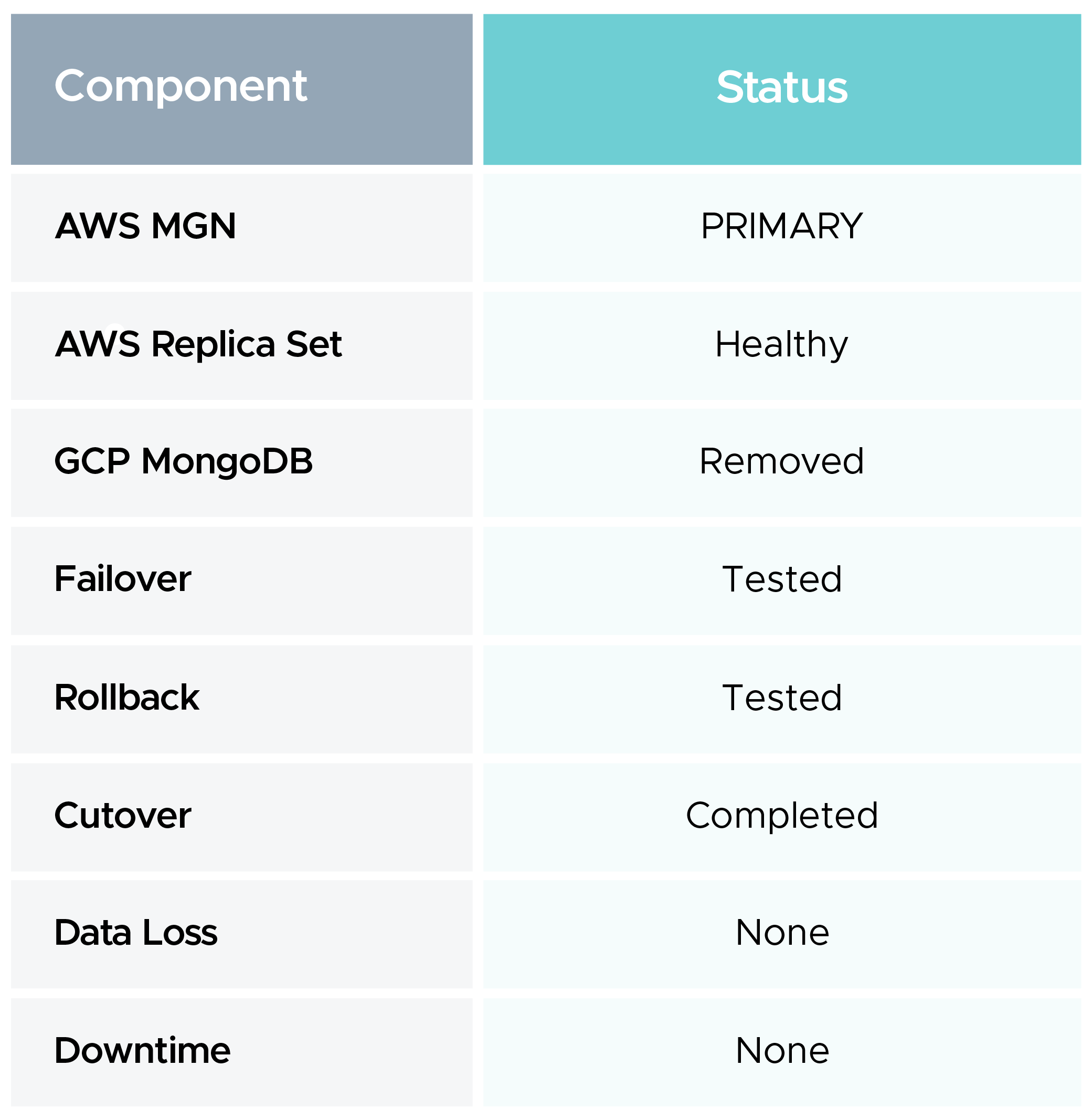
What Was Fully Validated
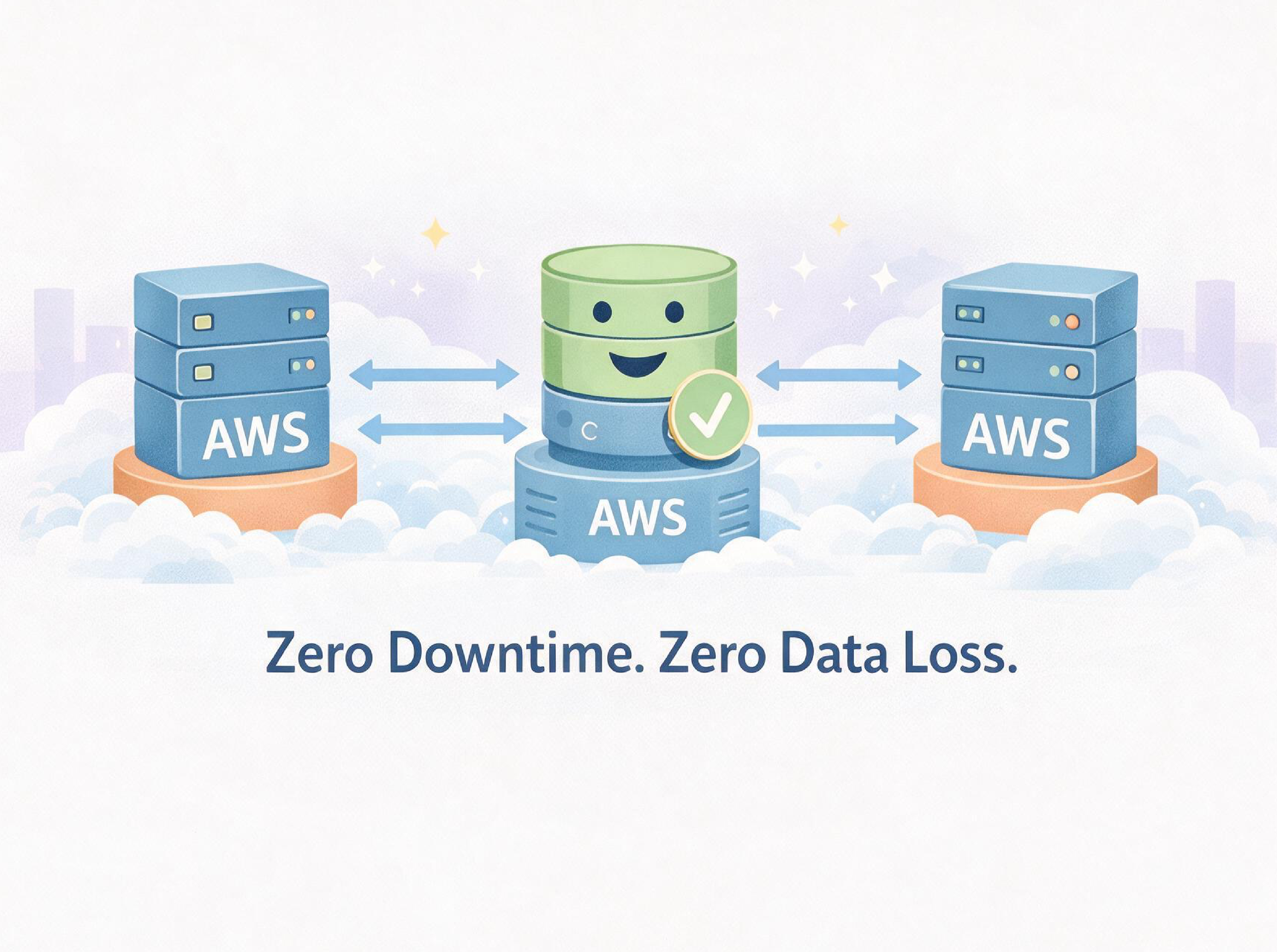
- Live replication
- Cross-cloud failover
- Rollback safety
- Snapshot-based replica creation
- Final AWS-only replica set
- Zero downtime
- Zero data loss
Known PoC Limitations
Excluded intentionally:
- TLS / authentication
- Private networking
- Monitoring & backups
These will be enabled in production.
Production Recommendations
- Site-to-Site VPN / VPC peering
- MongoDB auth & keyfile
- TLS encryption
- 3-node quorum from day one
- Backups & monitoring
- Staged GCP decommission