Senior Devops Engineer
Neetesh specializes in designing, automating, and managing scalable DevOps pipelines across cloud-native infrastructures.

By the time we finished governance in Blog 4, the platform was safe — but not yet frictionless.
Developers still waited for approvals, and ops still handled manual rollbacks.
One day the CTO asked,
“Why can’t our infrastructure move at the same speed as our code?”
That question marked our next chapter — bringing GitOps with ArgoCD into Crossplane to make every change declarative, auditable, and rollback-ready.
Takeaway: “We didn’t just automate infra. We automated trust.”
This article is part of a five-blog series where we share a real client use case — how we reimagined their cloud infrastructure strategy with Crossplane, GitOps, and a hybrid approach with Terraform.
Missed the previous blog? Read Blog 4 – Governance, Security & Lifecycle Protection.
In Blog 4, we built guardrails with Kyverno, RBAC, IRSA, and lifecycle safeguards — enough to stop accidental “oops” moments in production. But governance alone wasn’t enough. If we wanted to scale across multiple teams and regions, we needed something bigger:
Enter GitOps with ArgoCD — the final piece that turned our Crossplane adoption into a globally scalable platform.
ArgoCD is the GitOps engine that continuously syncs your manifests from Git into Kubernetes (and Crossplane). Setup takes just 3 steps:
Step 1: Install ArgoCD

Step 2: Expose ArgoCD Server

Once the LoadBalancer is ready, you can access the ArgoCD UI in your browser.
Step 3: Get Initial Admin Password

Log in with admin + password, and you’re good to go.
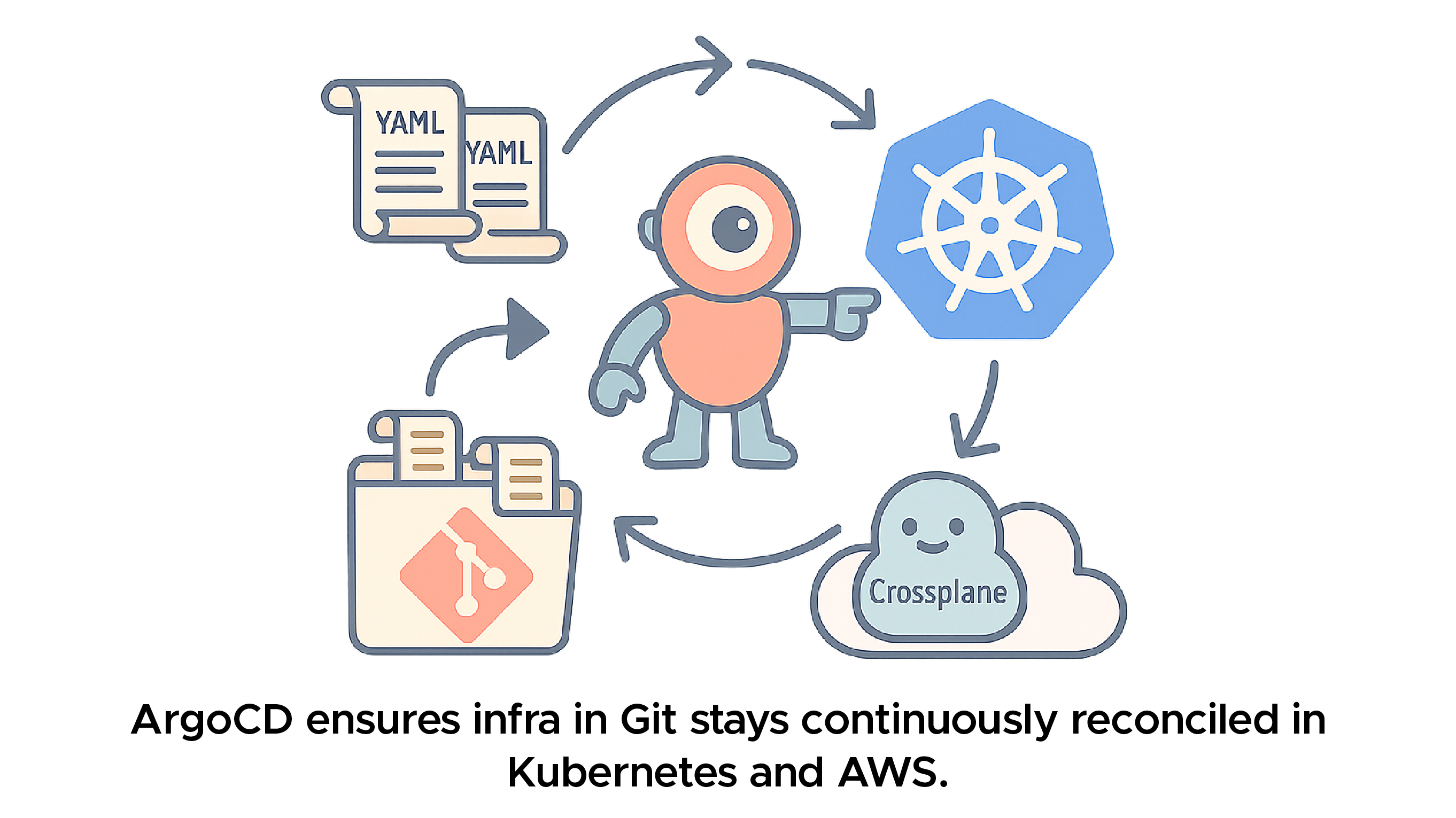
Crossplane already runs inside Kubernetes, so GitOps was a natural extension.
Together, Git + ArgoCD gave us a developer-friendly, operations-safe workflow.
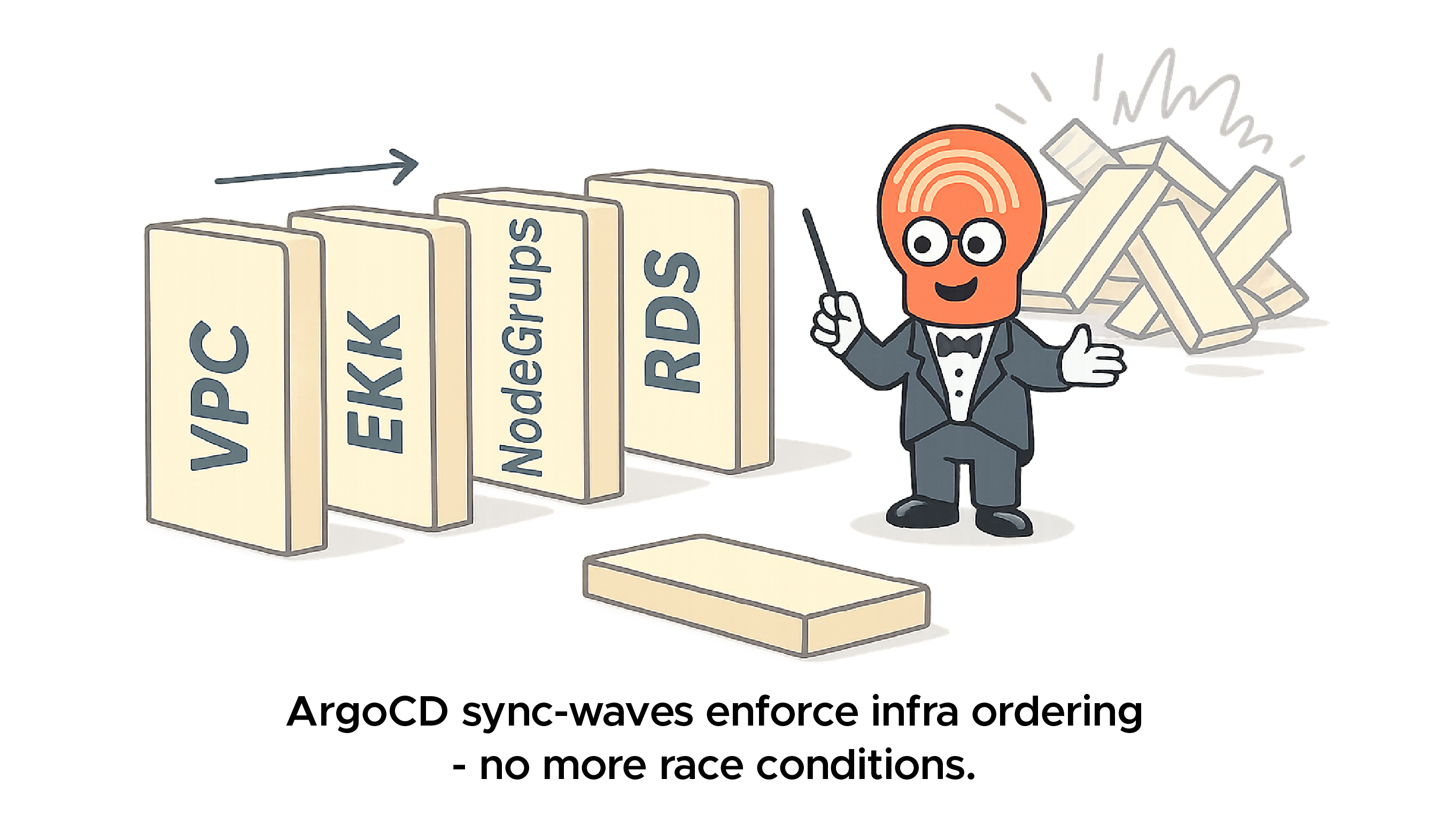
Infra has dependencies — VPCs must come before Amazon Elastic Kubernetes Service (Amazon EKS), Amazon EKS before NodeGroups, and Kubernetes NodeGroups before RDS. Without ordering, things collapse like dominoes.
That’s where ArgoCD sync-waves saved us:

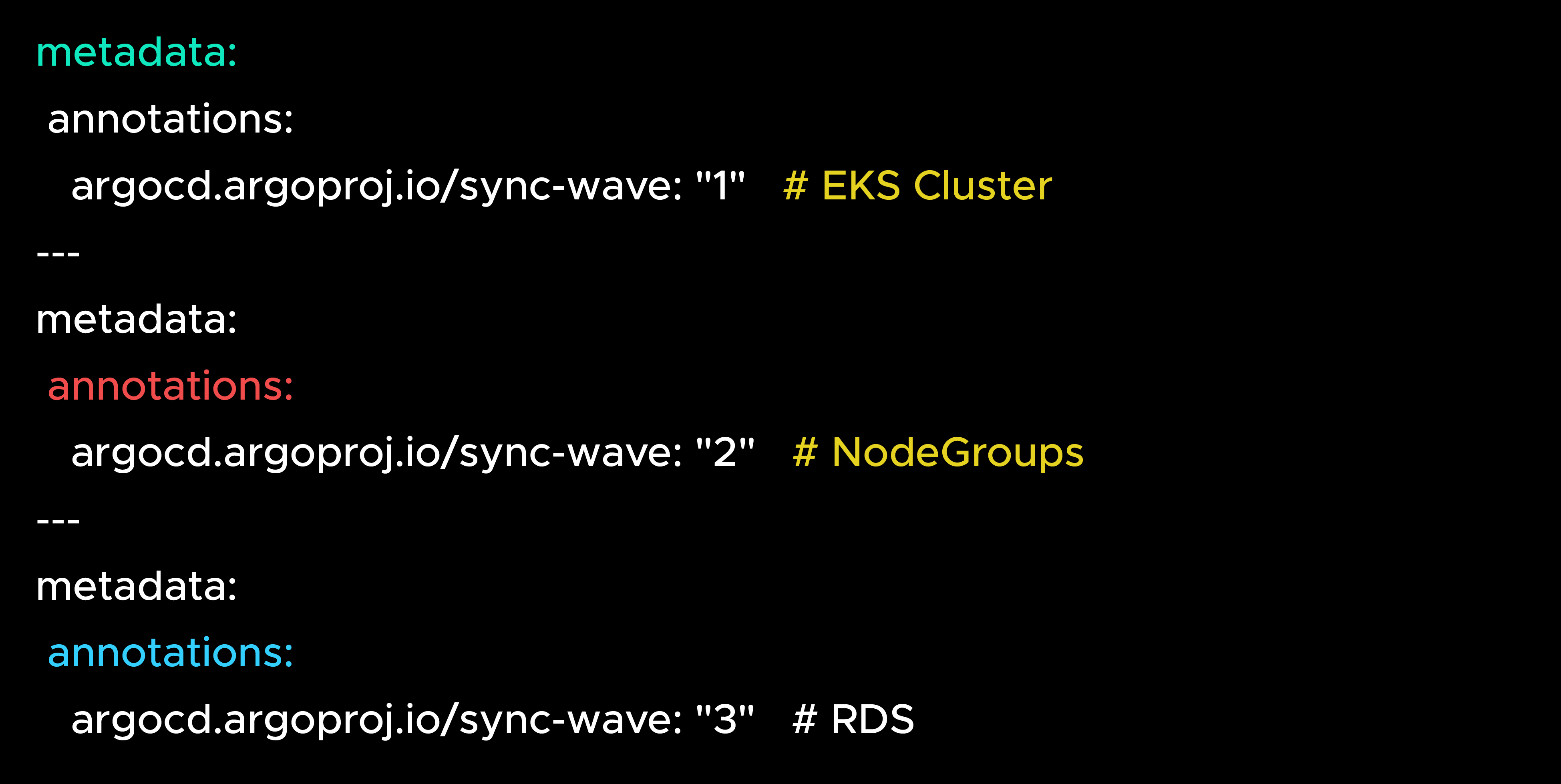
Each resource applied in the right order → no race conditions, no surprises.
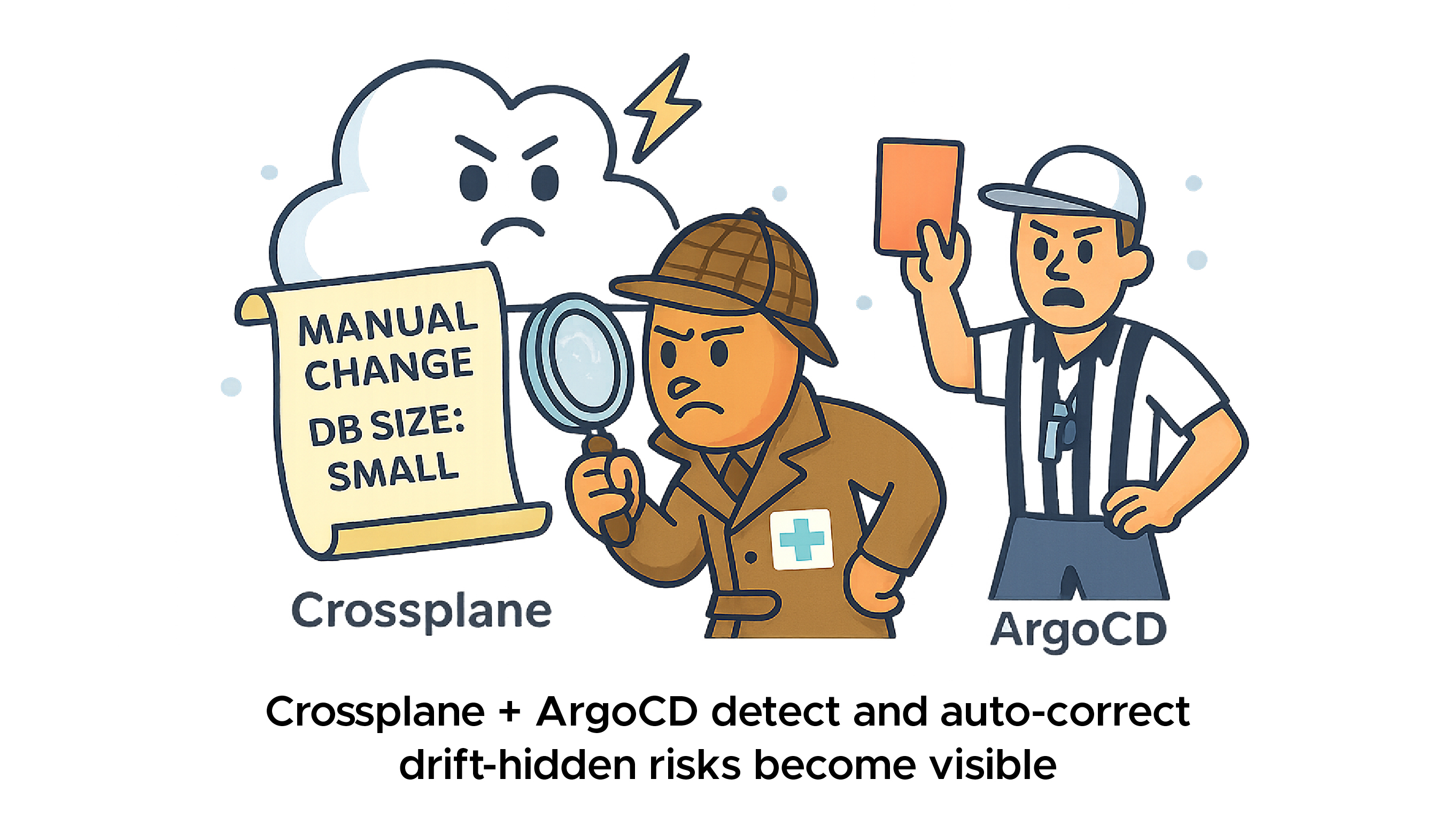
With Terraform, drift was a silent killer — infra could change in the AWS Management console, and no one noticed until things broke.
With Crossplane + ArgoCD:
Drift went from a hidden risk → a visible, auto-corrected event.
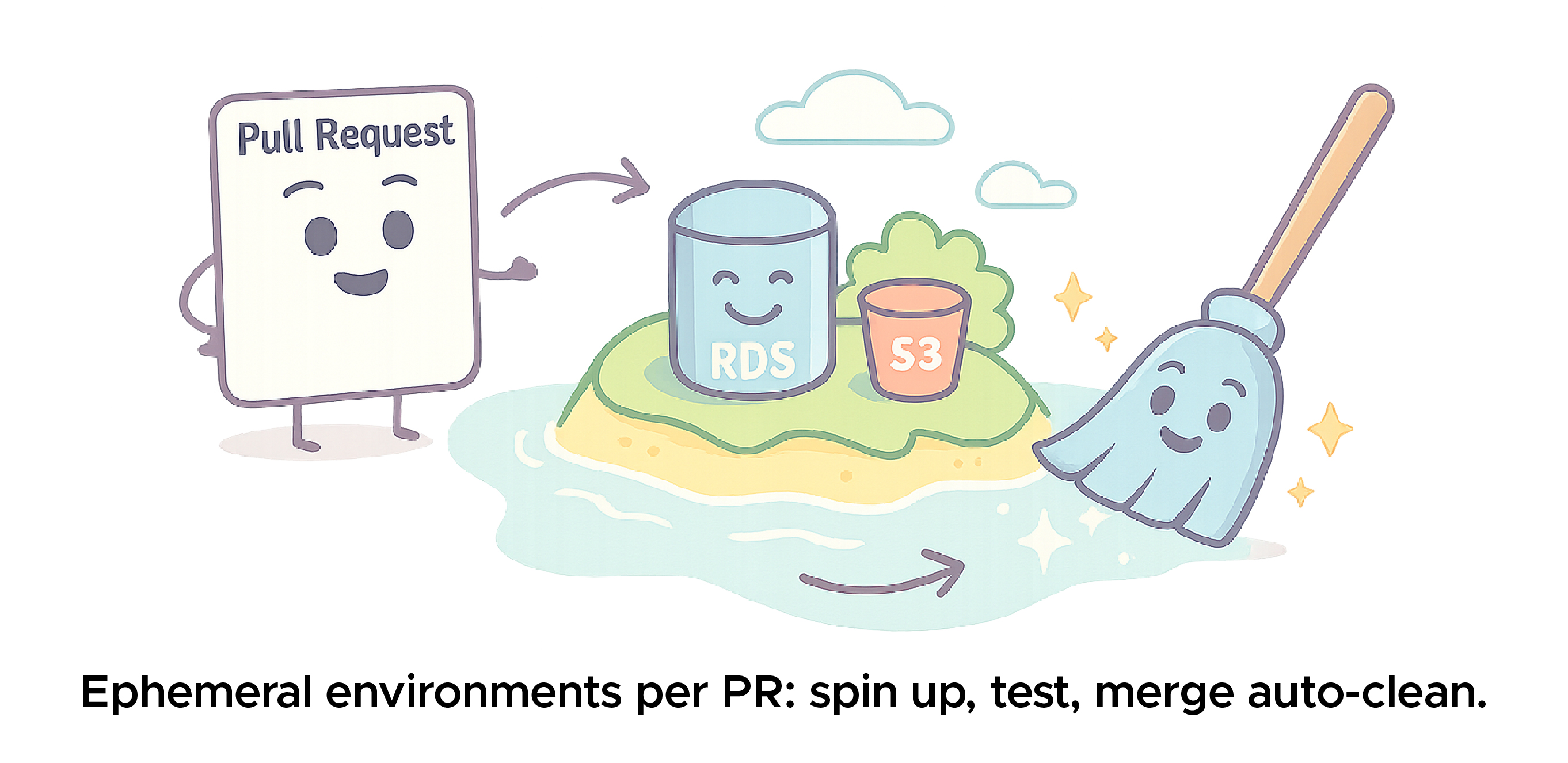
One of the client’s biggest asks: ephemeral environments for PR testing.
Benefits?
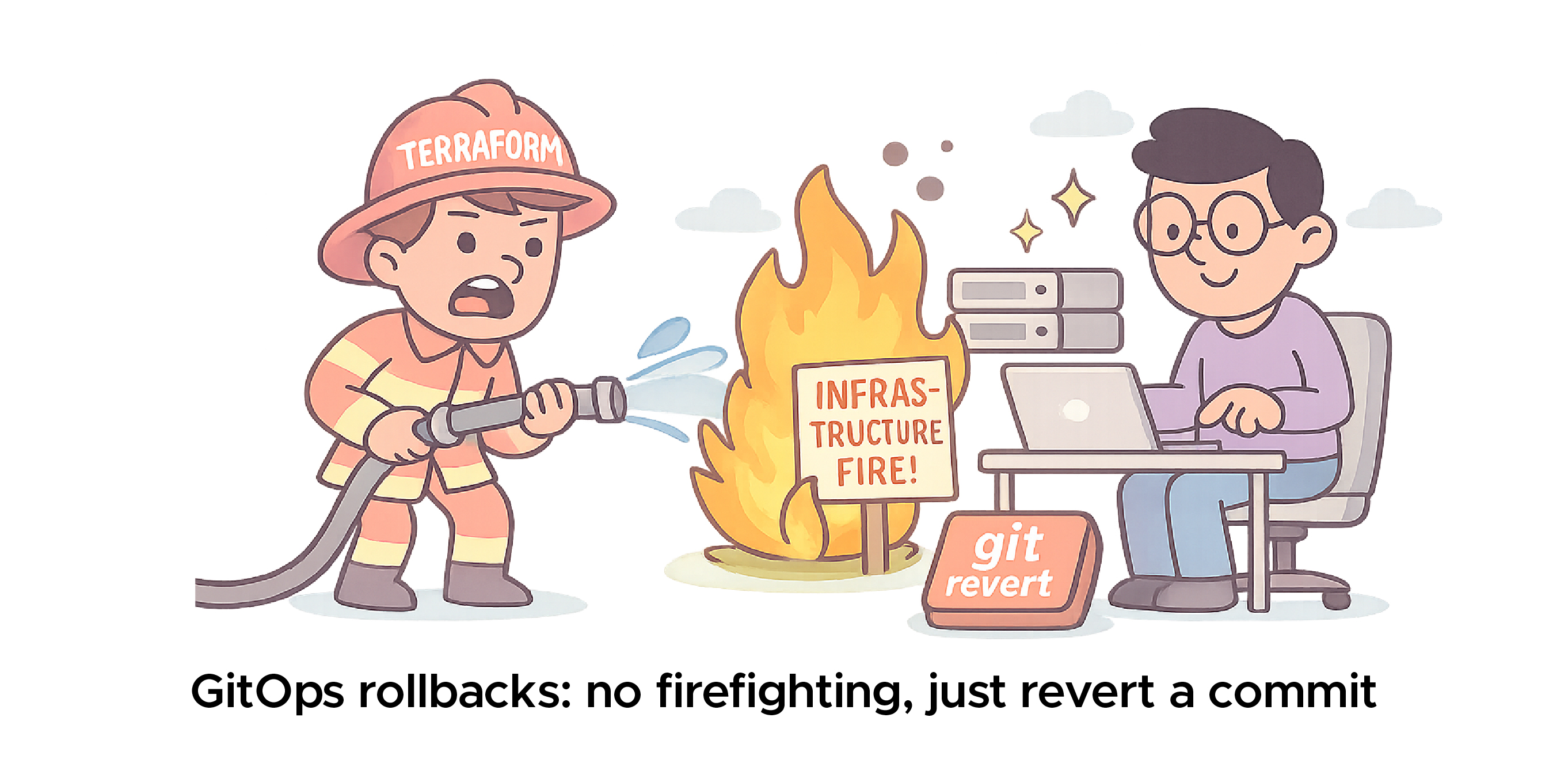
Terraform rollbacks often felt like firefighting — destroy/apply chaos and long nights.
With GitOps:
Recovery time went from hours → minutes.
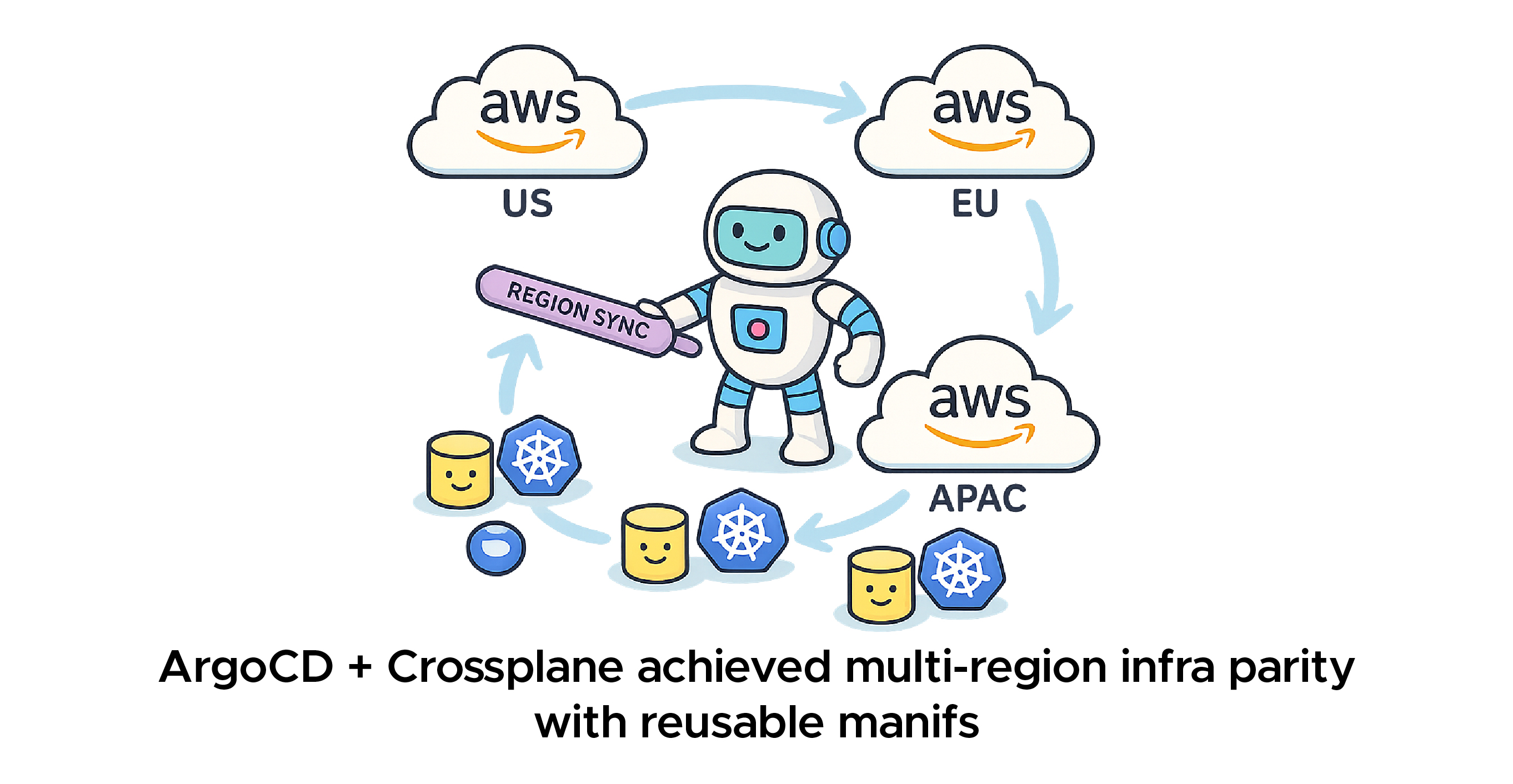
Expanding to multiple AWS regions used to mean:
With Crossplane + GitOps:
Multi-region infra parity in days, not weeks.
Key Learnings:
The Road Ahead:
Takeaway: “GitOps didn’t replace governance — it operationalized it.
Terraform gave us stability. Crossplane gave us control. GitOps gave us velocity. Together, they created a self-healing, auditable, and developer-friendly cloud platform.
Takeaway: “GitOps wasn’t the end — it was the point where automation met trust.”
a) Prerequisites
b) Install Crossplane

c) Install AWS Provider
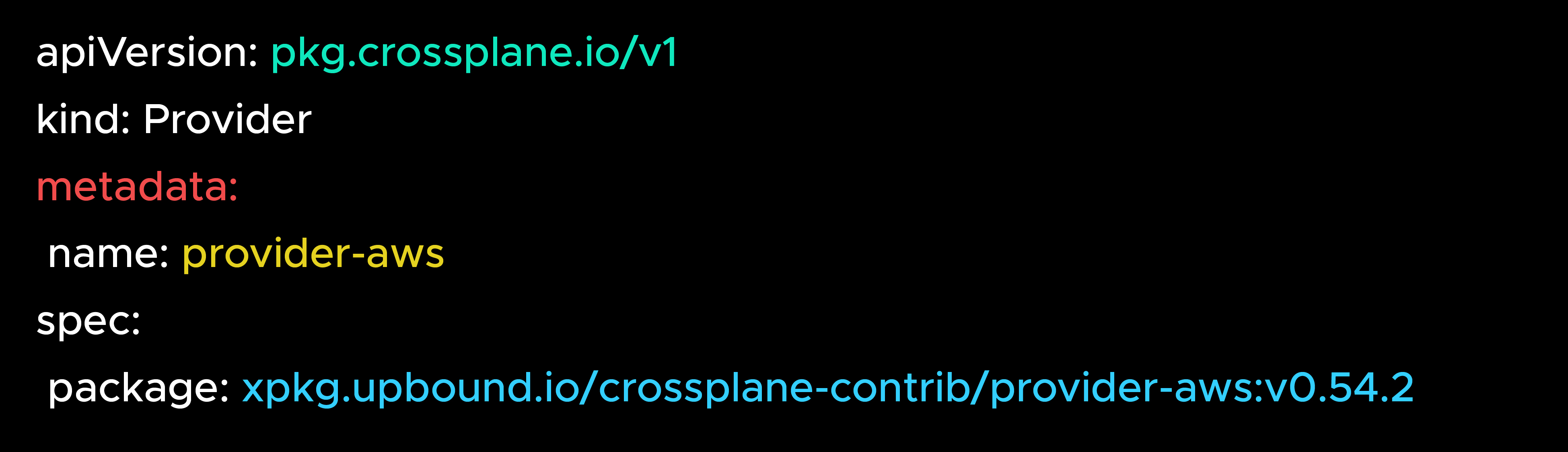
d) Configure ProviderConfig → Secret or IRSA
e) Create First MR (RDS, S3, etc.) with deletionPolicy: Orphan
f) Import Existing Resource → external-name + ObserveOnly
g) Governance (Kyverno) → validation + mutation policies
h) GitOps (ArgoCD) → sync-waves, drift correction, PR envs
i) Lifecycle Protection → always use Orphan + ObserveOnly; secure with RBAC + IRSA
This is everything you need to adopt Crossplane end-to-end.
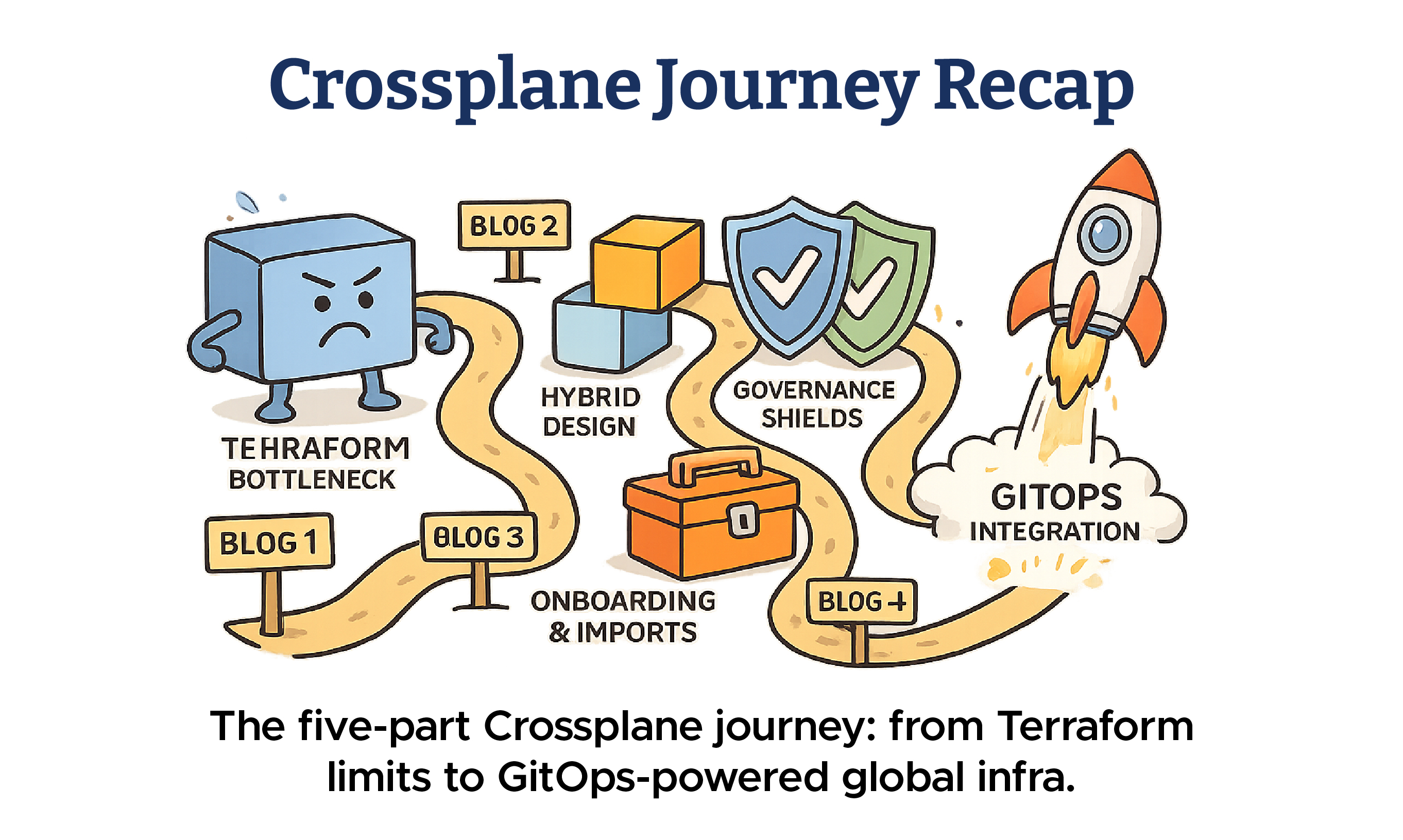
Crossplane Journey Recap:
From Terraform bottlenecks → Crossplane adoption → GitOps-powered infra, the journey is complete.

99% of companies saved up to 15% monthly with this plan & achieved peak performance.